
Tuner T1
Tune by ear with reference tones or follow live pitch on the display. Tuner T1 helps with everyday tuning for guitar, violin, and other instruments.
iPhone
Tuner T1
- App Store
- Free
- Version 4.30
Requires iOS 17.0 or later.
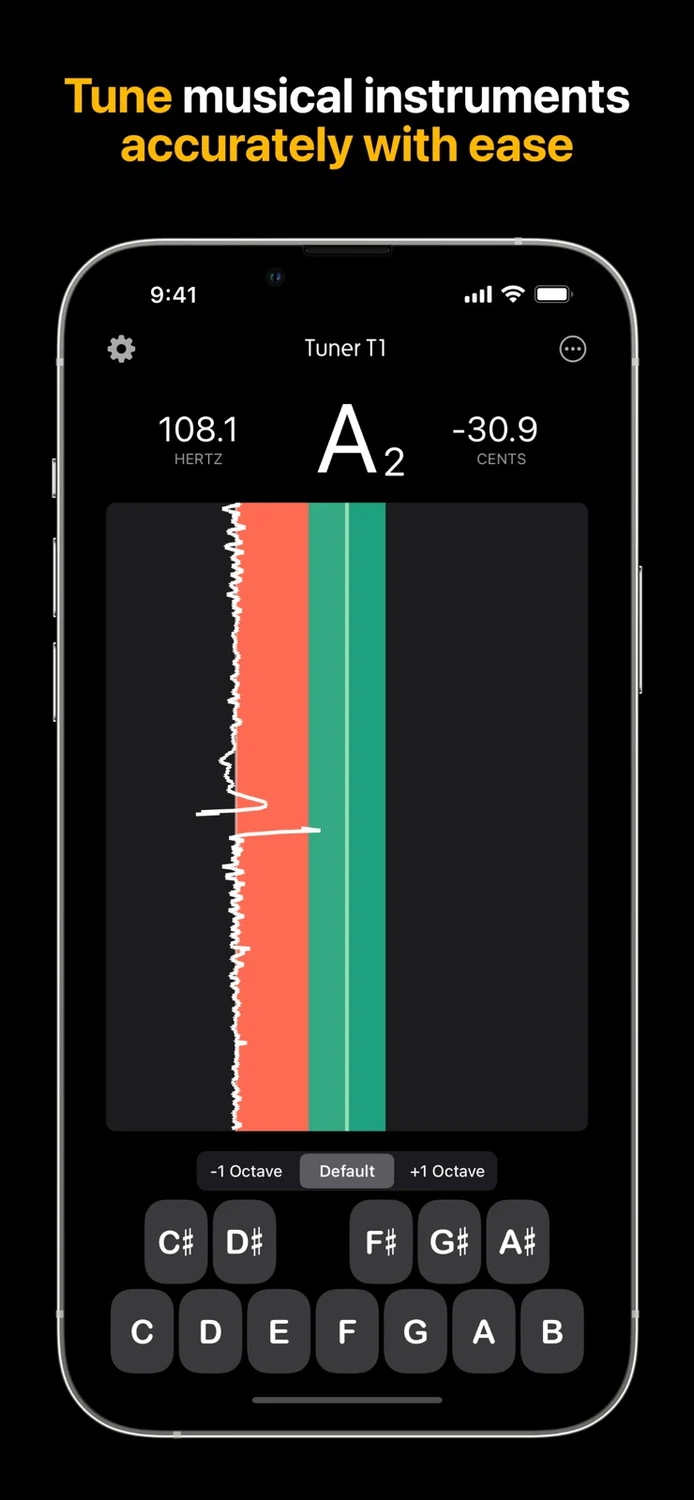
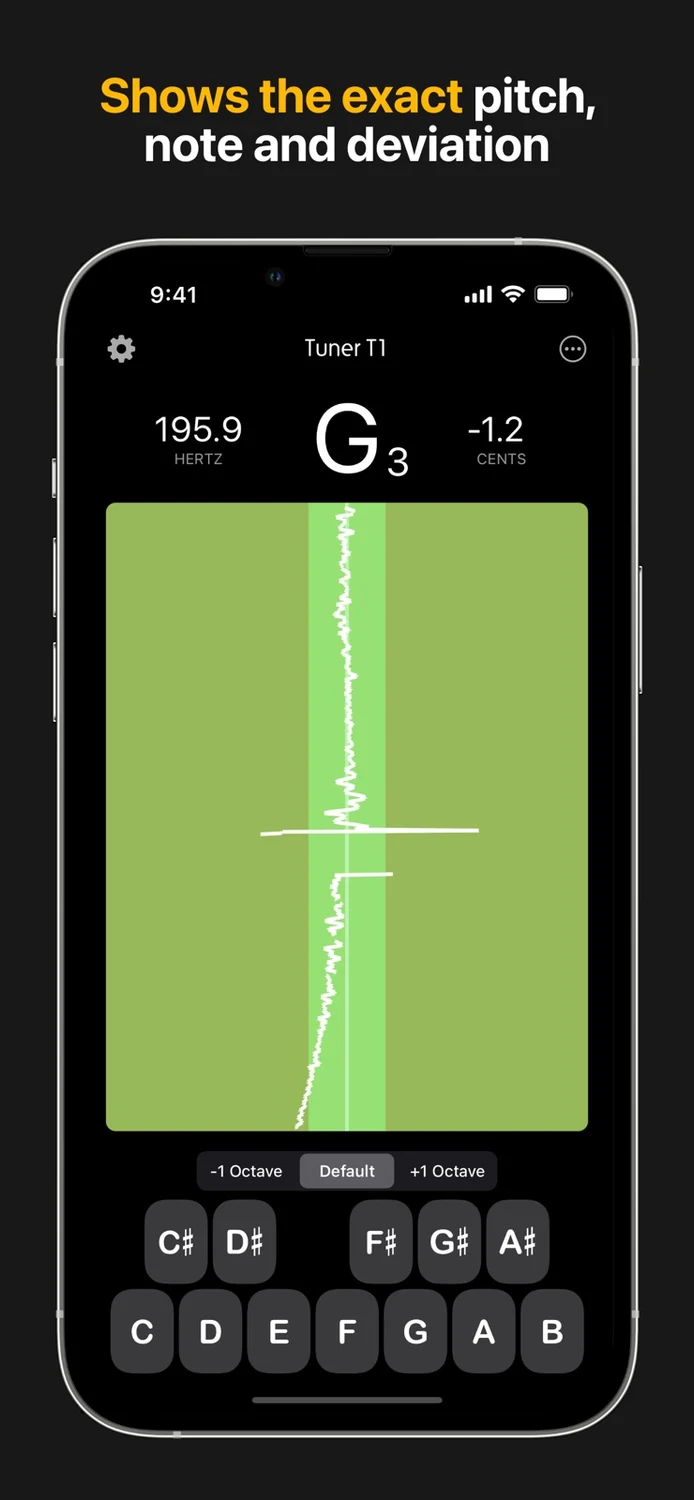
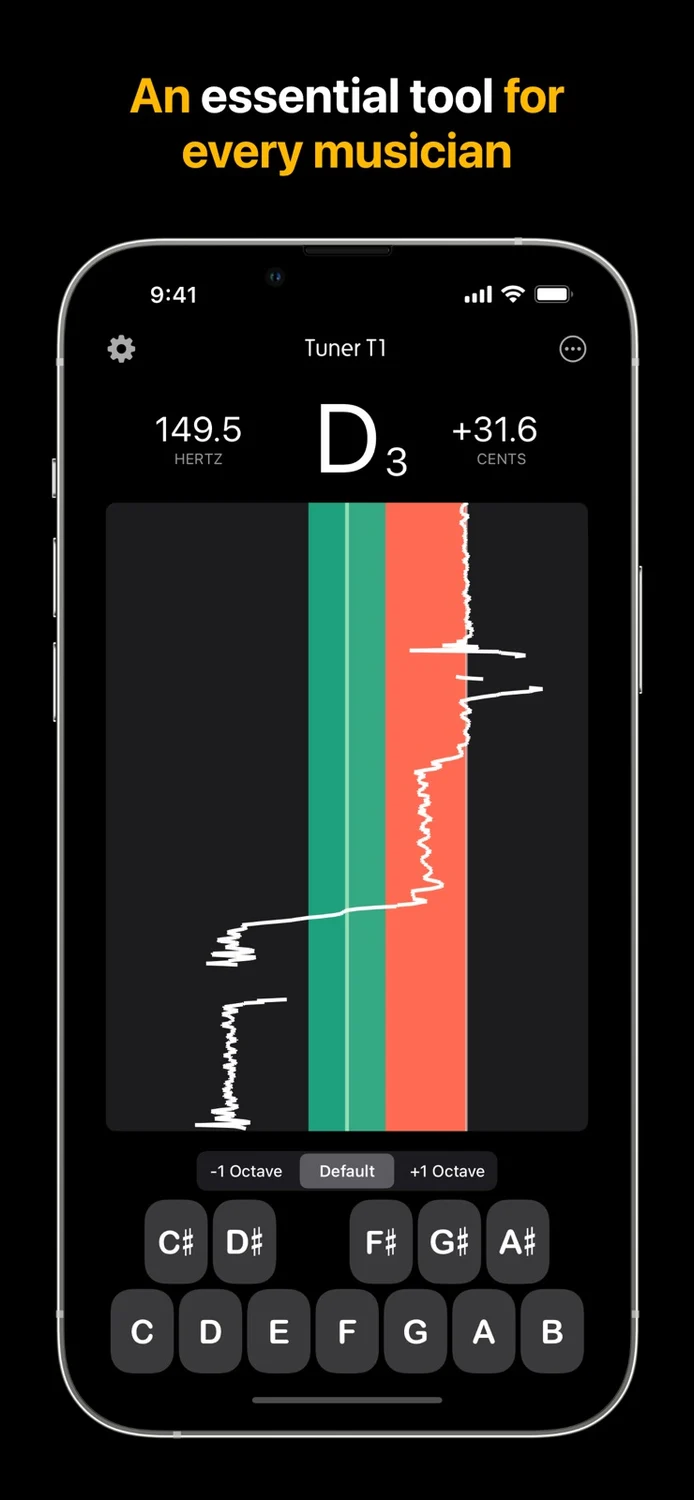
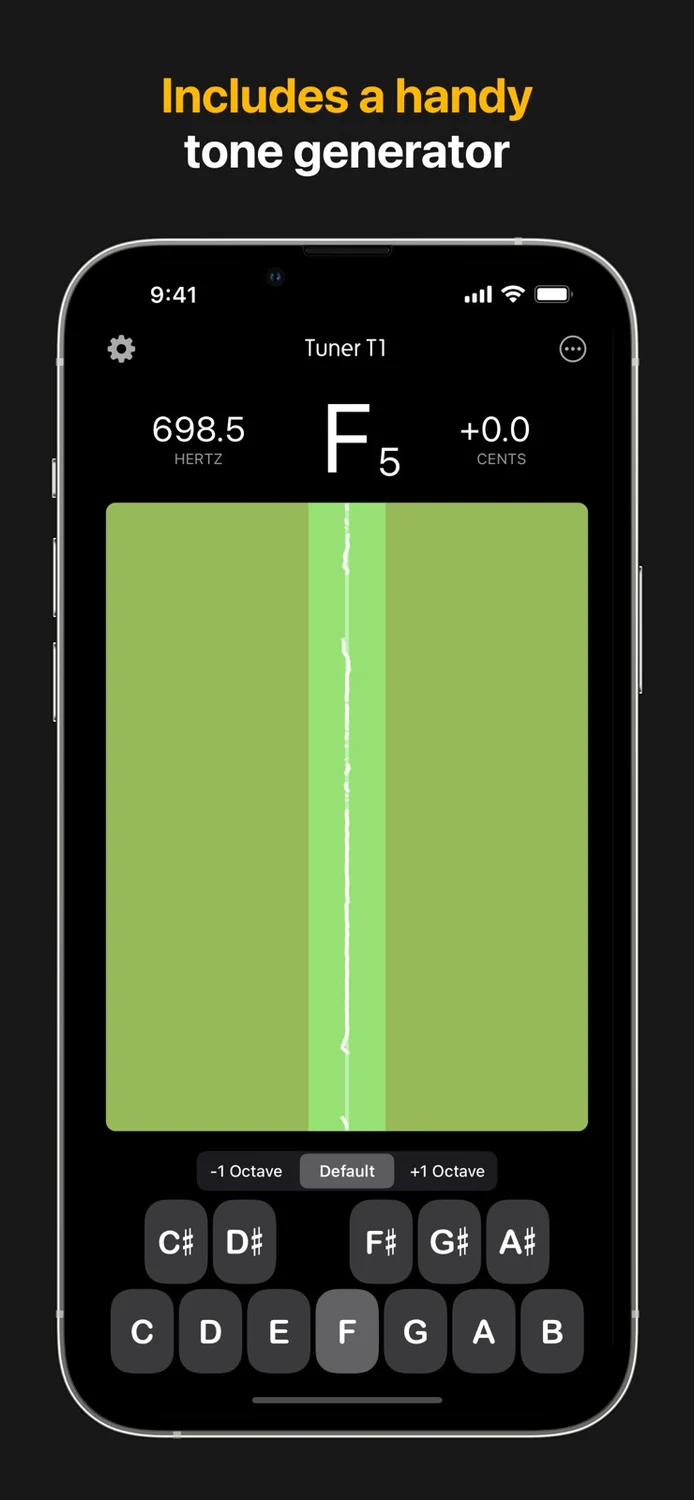
Tune any musical instrument
Read the store description
Tuner T1 is the ultimate instrument tuner, designed for precision tuning of a wide range of musical instruments. Whether you're tuning a guitar, violin, viola, bass, piano, cello, flute, or any other instrument, Tuner T1 ensures impeccable accuracy and ease of use. Ideal for both professional musicians and beginners, this chromatic tuner app is built to handle all common instruments with incredible precision, making it an essential tool for any musician. Key Features: • Extremely Accurate Tuning: Tune your instrument with an exceptional level of accuracy (within ±0.1 cents), ensuring perfect pitch every time. • Chromatic Tuner for All Instruments: Tuner T1 supports a broad range of instruments, including guitar, bass, violin, viola, cello, piano, flute, and more. Whether you're tuning strings, winds, or brass, Tuner T1 has you covered. • Transpose Mode: Instantly transpose the tuner’s note display without affecting pitch detection - perfect for real-world playing scenarios. Supports transposing notes up or down in ½-step increments (−12 to +12). Shows written pitch for transposing instruments such as Bb Trumpet, Eb Alto Sax, F Horn, and more. • Tone Generator: Generate reference tones over a 3-octave range. Perfect for ear training or manual tuning when needed, the tone generator covers every note you need. • Adjustable A₄ Frequency: For those who need custom tunings, Tuner T1 allows you to change the A₄ reference frequency from the standard 440 Hz to other frequencies to suit any musical or regional style. • Beautiful, Simple, & Easy-to-Use Interface: Tuner T1 is designed to be intuitive, allowing you to start tuning instantly without any complicated setup. It’s built with simplicity in mind while maintaining all the advanced features you need for professional-grade tuning. • Perfect for Professional and Amateur Musicians: Whether you're a professional musician performing on stage or an aspiring player honing your skills, Tuner T1 provides the accuracy and reliability you need to ensure your instrument is perfectly in tune every time. • Optimized for Low-Latency Performance: Our app delivers low-latency pitch detection, ensuring quick response times without sacrificing accuracy, making it a great tool for live performances or recording sessions. • Battery-Efficient: Tuner T1 is designed to minimize battery consumption, letting you use the app for extended tuning sessions without draining your device’s power. Why Choose Tuner T1? Tuner T1 stands out from other tuning apps because of its superior accuracy, intelligent transpose capabilities, and low-latency pitch detection, specifically optimized for tuning a wide variety of common instruments. This app is built to cater to the needs of guitarists, violinists, pianists, and wind players using transposing instruments across different genres. With its sleek interface, customizable settings, and tone generation capabilities, Tuner T1 is not only powerful but incredibly user-friendly. Unlock Your Musical Potential With Tuner T1, you’re not just getting an ordinary tuner. You’re getting a tool that helps you achieve perfect pitch, fine-tune your ear, and enhance your performance. Whether you're practicing, recording, or performing live, Tuner T1 gives you the professional-level tuning accuracy you need. Download Tuner T1 today and experience the next level of tuning accuracy for all your musical instruments!
What’s new
This update brings powerful new audio input options, improved noise filtering, and significant performance enhancements for a smoother, more reliable tuning experience. Select Any Audio Input Channel Using an external audio interface? You can now choose exactly which input channel Tuner T1 listens to! Connect a compatible multi-channel audio interface and select your preferred channel directly within the app. Whether you're recording in a studio, connecting instruments through an audio interface, or working with a professional audio setup, you now have greater control over your tuning input. New Lo Cut Filter - Cleaner Tuning in Noisy Environments Introducing Lo Cut, a new audio filtering option that lets you filter out frequencies below a selected threshold. Low-frequency rumble from air conditioners, traffic, stage vibrations, and other environmental noise can interfere with pitch detection. With Lo Cut, you can reduce these unwanted frequencies, helping Tuner T1 focus on your instrument's sound for more stable and accurate tuning. Especially useful for live performances, rehearsal spaces, and noisy environments. For bass guitars and other low-pitched instruments, choose a lower cutoff to preserve the fundamental frequencies you need to tune. Significantly Improved Performance We've made major under-the-hood optimizations to make Tuner T1 faster, smoother, and more responsive. From real-time pitch detection to on-screen animations and general navigation, everything feels more fluid and polished. Enjoy a better tuning experience, whether you're practicing at home, performing on stage, or working in the studio. Thank you for using Tuner T1! Your feedback helps us keep making it better.
iPad
Tuner T1
- App Store
- Free
- Version 4.30
Requires iPadOS 17.0 or later.
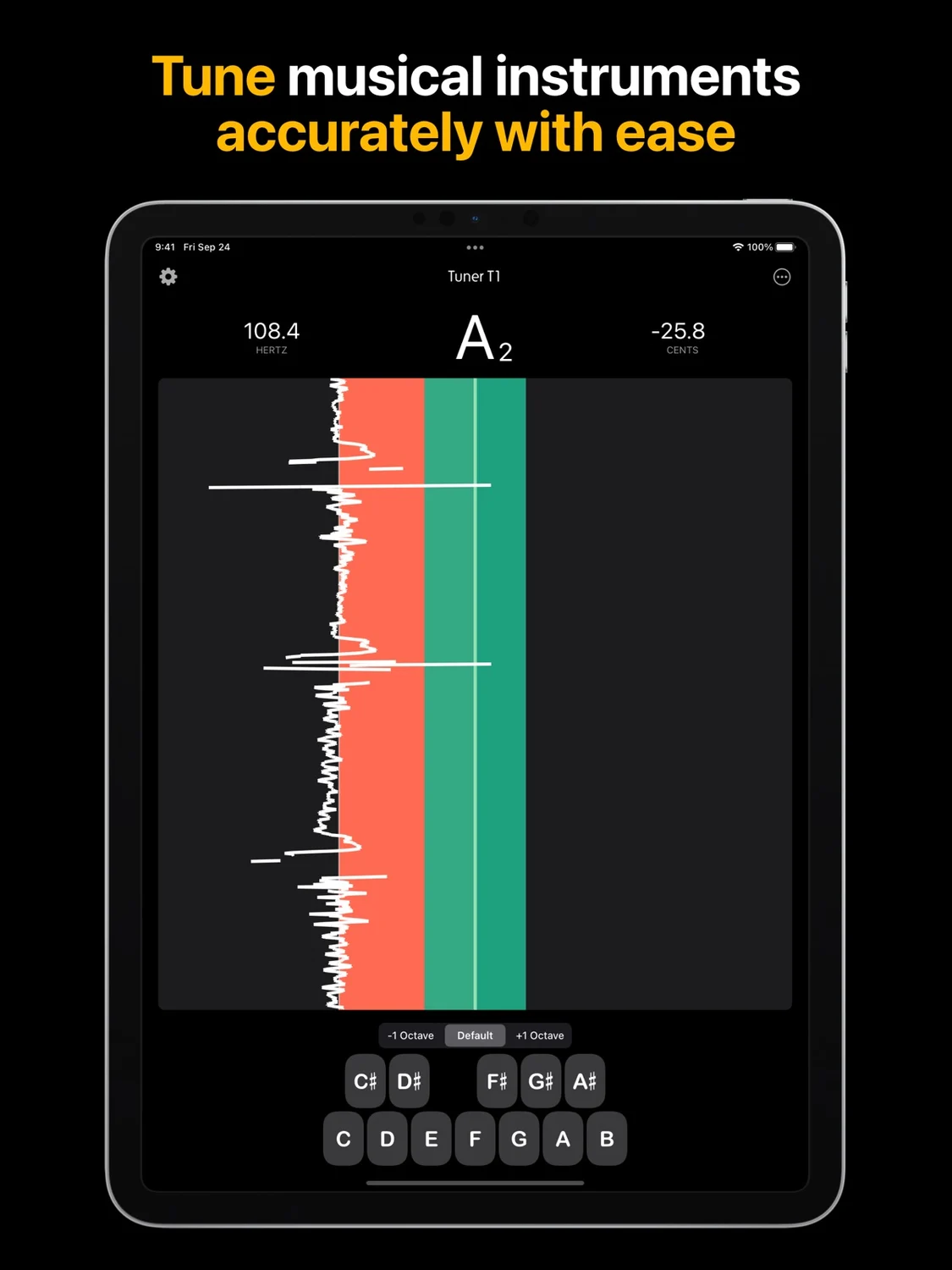
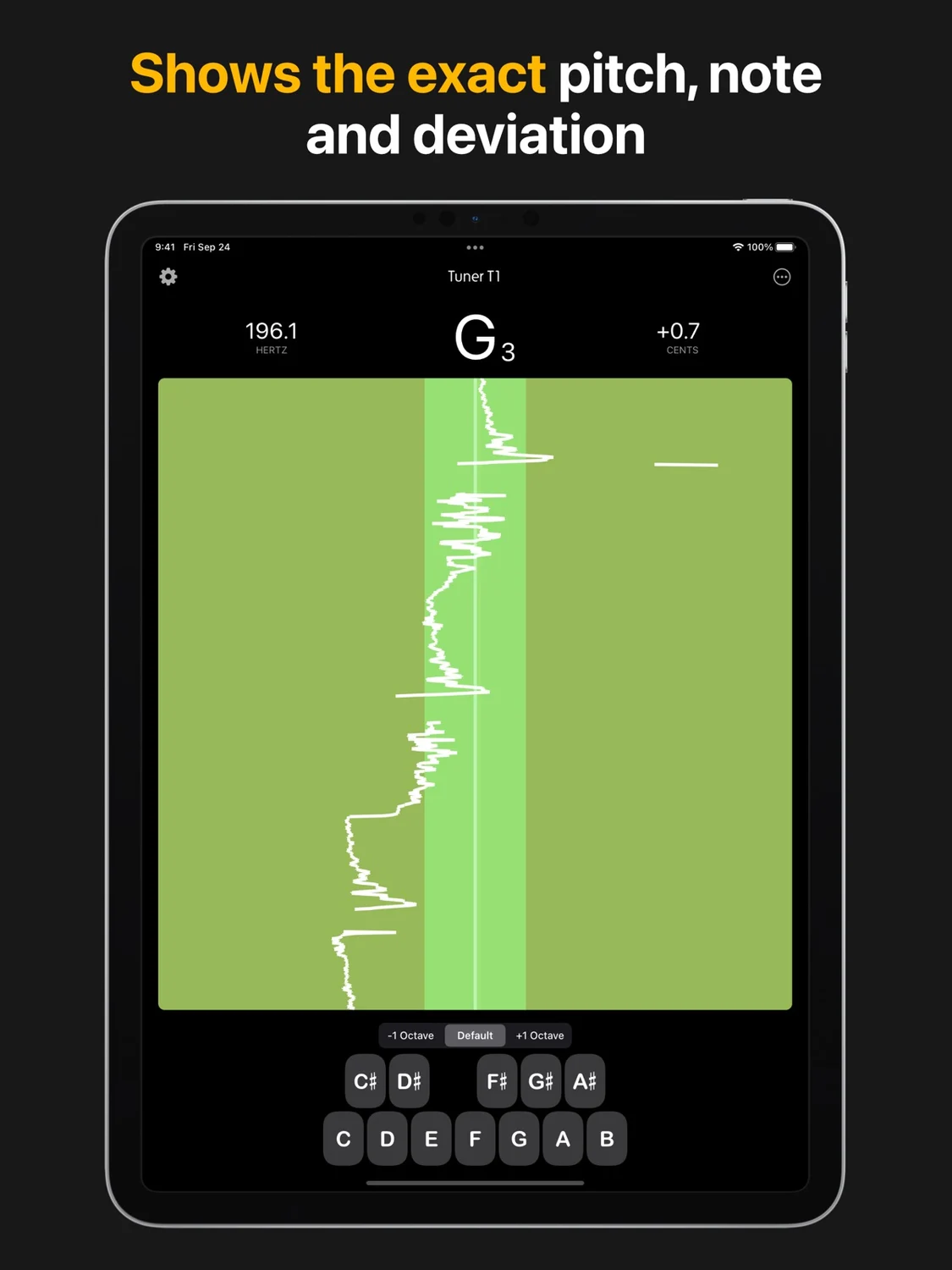
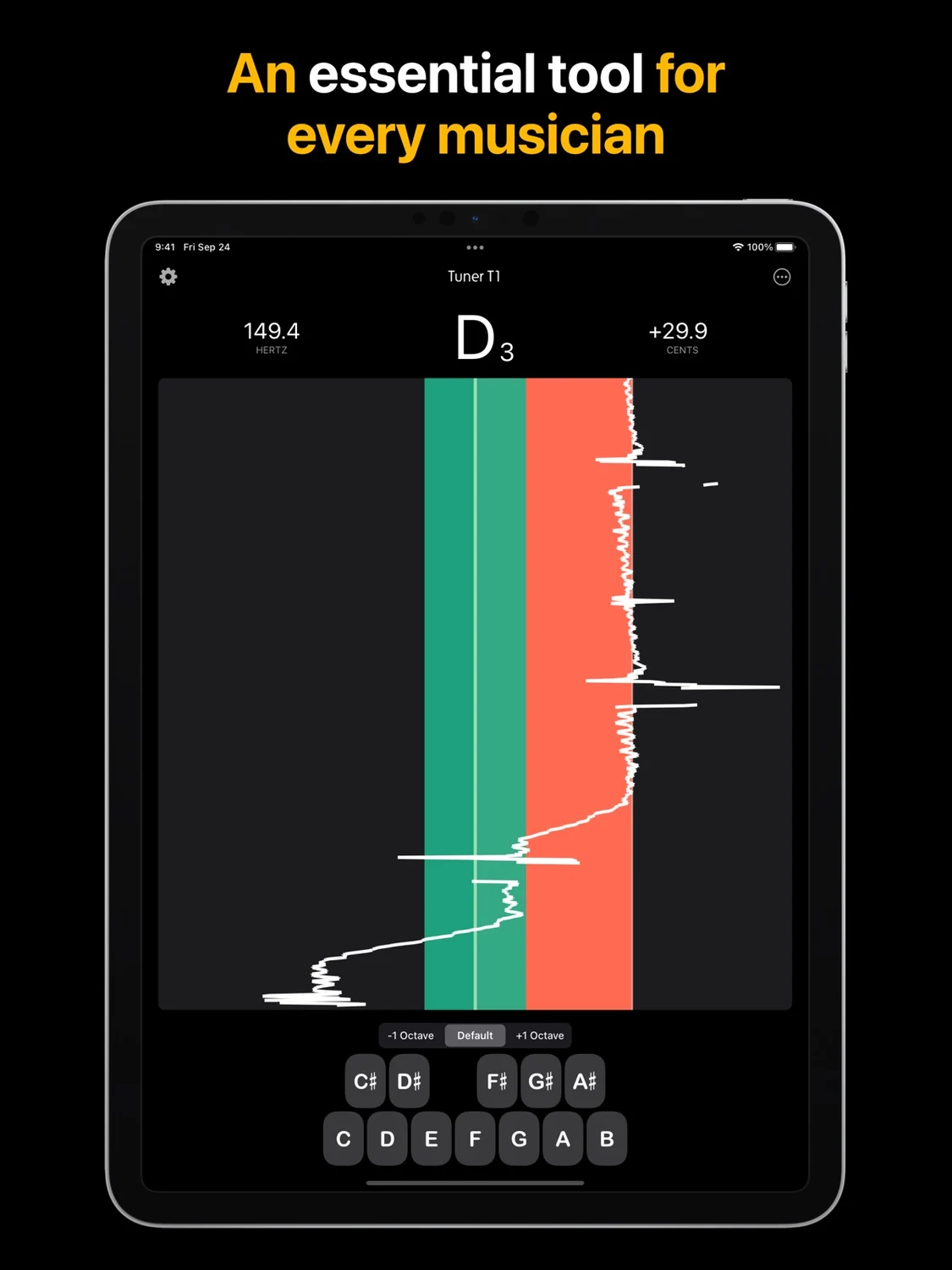
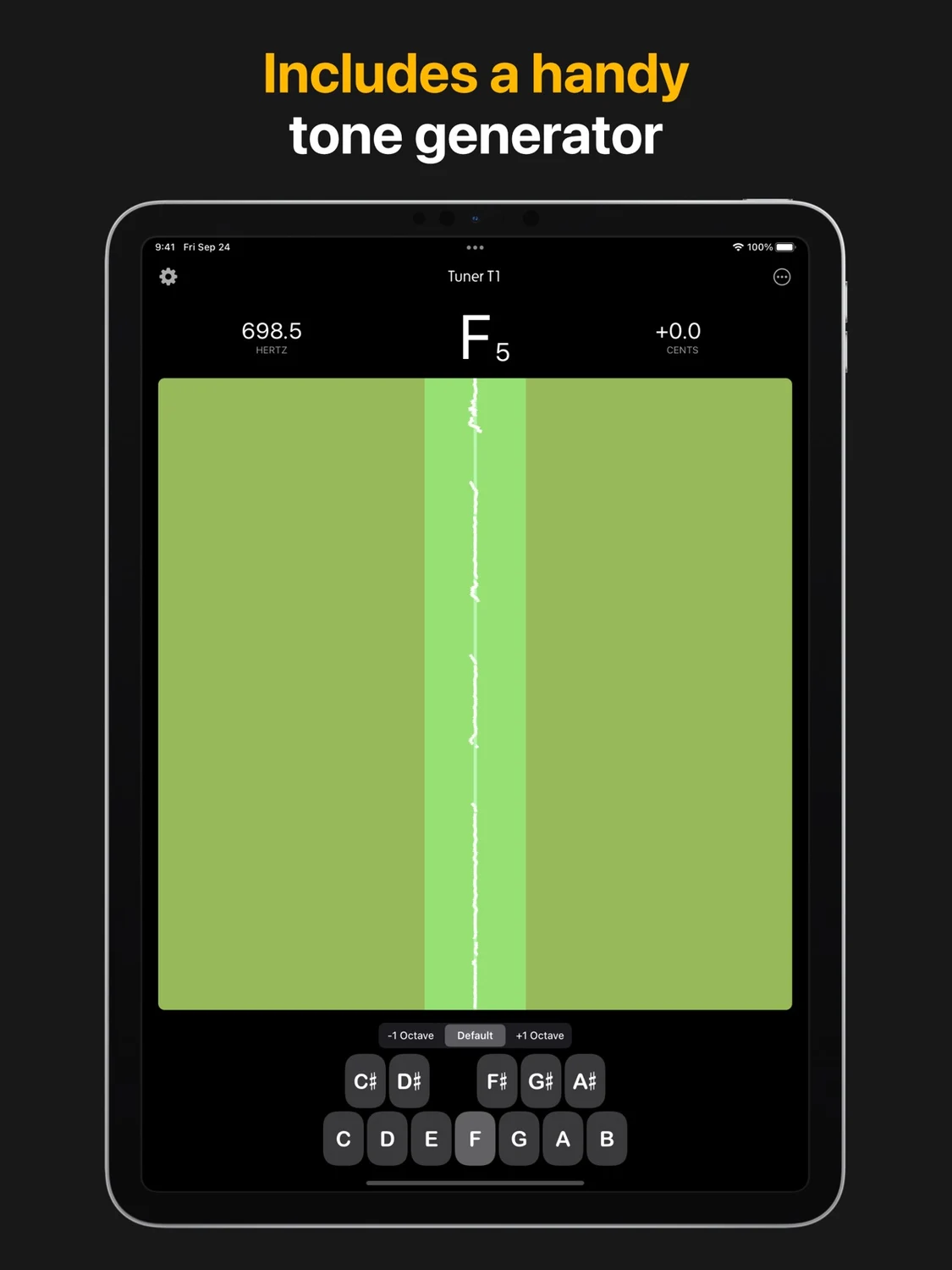
Tune any musical instrument
Read the store description
Tuner T1 is the ultimate instrument tuner, designed for precision tuning of a wide range of musical instruments. Whether you're tuning a guitar, violin, viola, bass, piano, cello, flute, or any other instrument, Tuner T1 ensures impeccable accuracy and ease of use. Ideal for both professional musicians and beginners, this chromatic tuner app is built to handle all common instruments with incredible precision, making it an essential tool for any musician. Key Features: • Extremely Accurate Tuning: Tune your instrument with an exceptional level of accuracy (within ±0.1 cents), ensuring perfect pitch every time. • Chromatic Tuner for All Instruments: Tuner T1 supports a broad range of instruments, including guitar, bass, violin, viola, cello, piano, flute, and more. Whether you're tuning strings, winds, or brass, Tuner T1 has you covered. • Transpose Mode: Instantly transpose the tuner’s note display without affecting pitch detection - perfect for real-world playing scenarios. Supports transposing notes up or down in ½-step increments (−12 to +12). Shows written pitch for transposing instruments such as Bb Trumpet, Eb Alto Sax, F Horn, and more. • Tone Generator: Generate reference tones over a 3-octave range. Perfect for ear training or manual tuning when needed, the tone generator covers every note you need. • Adjustable A₄ Frequency: For those who need custom tunings, Tuner T1 allows you to change the A₄ reference frequency from the standard 440 Hz to other frequencies to suit any musical or regional style. • Beautiful, Simple, & Easy-to-Use Interface: Tuner T1 is designed to be intuitive, allowing you to start tuning instantly without any complicated setup. It’s built with simplicity in mind while maintaining all the advanced features you need for professional-grade tuning. • Perfect for Professional and Amateur Musicians: Whether you're a professional musician performing on stage or an aspiring player honing your skills, Tuner T1 provides the accuracy and reliability you need to ensure your instrument is perfectly in tune every time. • Optimized for Low-Latency Performance: Our app delivers low-latency pitch detection, ensuring quick response times without sacrificing accuracy, making it a great tool for live performances or recording sessions. • Battery-Efficient: Tuner T1 is designed to minimize battery consumption, letting you use the app for extended tuning sessions without draining your device’s power. Why Choose Tuner T1? Tuner T1 stands out from other tuning apps because of its superior accuracy, intelligent transpose capabilities, and low-latency pitch detection, specifically optimized for tuning a wide variety of common instruments. This app is built to cater to the needs of guitarists, violinists, pianists, and wind players using transposing instruments across different genres. With its sleek interface, customizable settings, and tone generation capabilities, Tuner T1 is not only powerful but incredibly user-friendly. Unlock Your Musical Potential With Tuner T1, you’re not just getting an ordinary tuner. You’re getting a tool that helps you achieve perfect pitch, fine-tune your ear, and enhance your performance. Whether you're practicing, recording, or performing live, Tuner T1 gives you the professional-level tuning accuracy you need. Download Tuner T1 today and experience the next level of tuning accuracy for all your musical instruments!
What’s new
This update brings powerful new audio input options, improved noise filtering, and significant performance enhancements for a smoother, more reliable tuning experience. Select Any Audio Input Channel Using an external audio interface? You can now choose exactly which input channel Tuner T1 listens to! Connect a compatible multi-channel audio interface and select your preferred channel directly within the app. Whether you're recording in a studio, connecting instruments through an audio interface, or working with a professional audio setup, you now have greater control over your tuning input. New Lo Cut Filter - Cleaner Tuning in Noisy Environments Introducing Lo Cut, a new audio filtering option that lets you filter out frequencies below a selected threshold. Low-frequency rumble from air conditioners, traffic, stage vibrations, and other environmental noise can interfere with pitch detection. With Lo Cut, you can reduce these unwanted frequencies, helping Tuner T1 focus on your instrument's sound for more stable and accurate tuning. Especially useful for live performances, rehearsal spaces, and noisy environments. For bass guitars and other low-pitched instruments, choose a lower cutoff to preserve the fundamental frequencies you need to tune. Significantly Improved Performance We've made major under-the-hood optimizations to make Tuner T1 faster, smoother, and more responsive. From real-time pitch detection to on-screen animations and general navigation, everything feels more fluid and polished. Enjoy a better tuning experience, whether you're practicing at home, performing on stage, or working in the studio. Thank you for using Tuner T1! Your feedback helps us keep making it better.
Mac
Tuner T1
- Mac App Store
- $4.99
- Version 1.4
Requires macOS 10.13 or later.
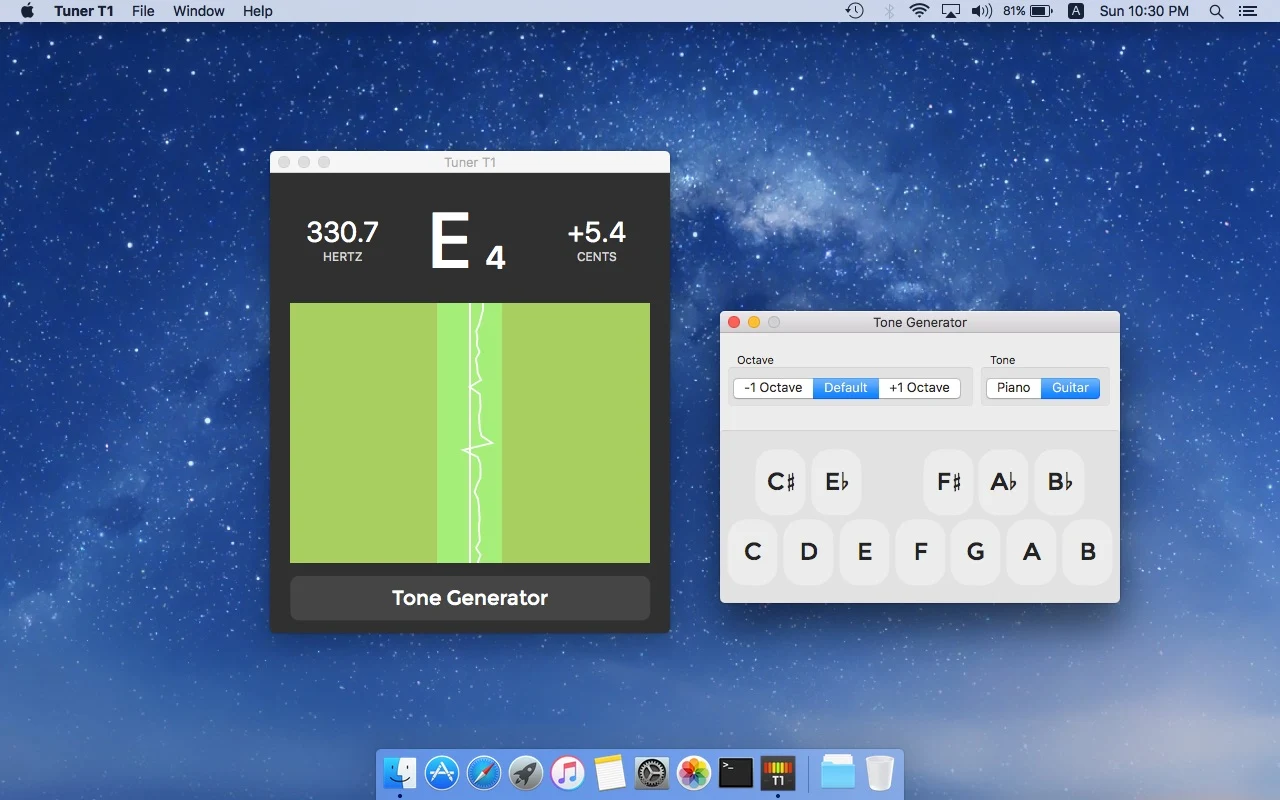
Tune any musical instrument
Read the store description
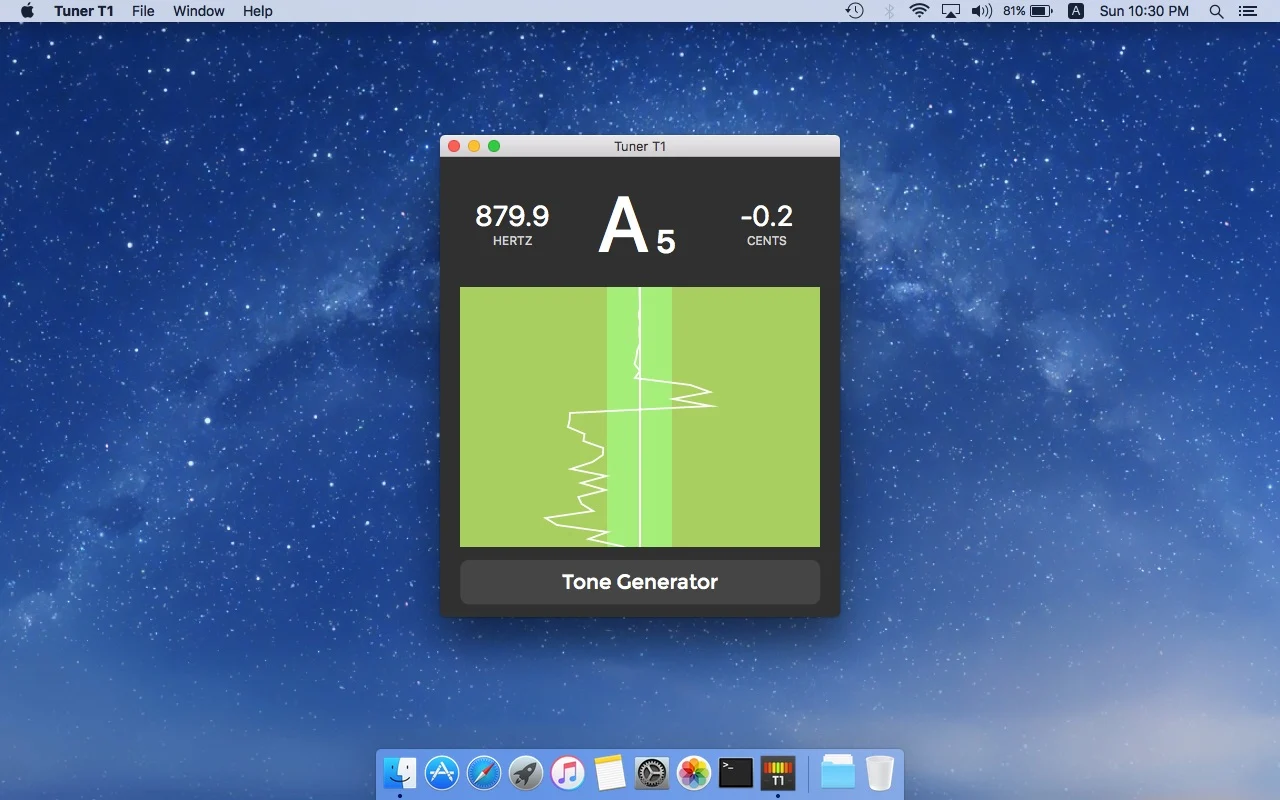
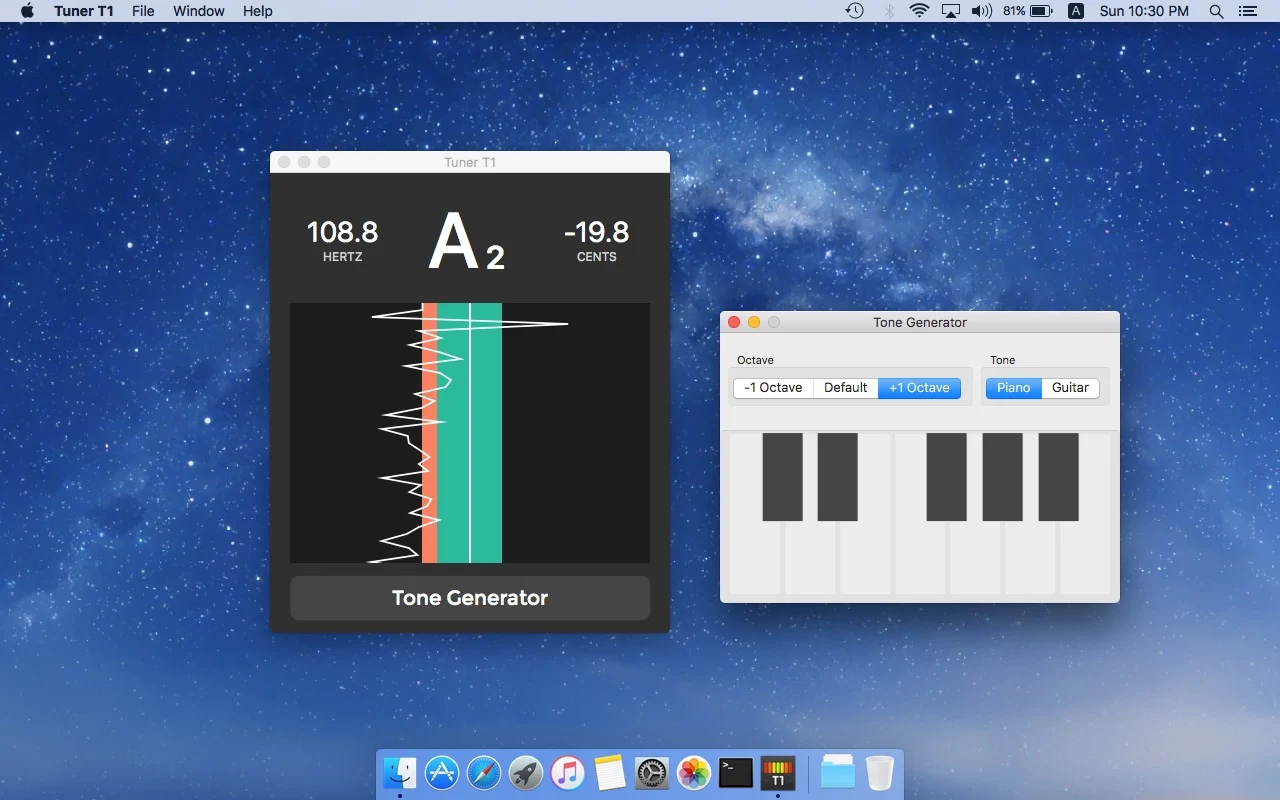
Tune any musical instrument (guitar, violin, viola, bass, piano, cello, flute and many more) with Tuner T1, an extremely accurate chromatic tuner. Tuner T1 also comes with a handy Tone Generator that plays any musical note as a reference for tuning. A must-have tool for musicians. - Simple to use with all the essential features. - Extremely accurate (can be tuned to an accuracy of ±0.1 cents). - Tone generator that can generate reference tones over a note-range of 3 octaves. - Ability to set the frequency of A₄ (for tunings where A₄ is not 440 hertz).
What’s new
Fixed a bug that caused the app to display inaccurate pitch in certain scenarios.
Apple Vision Pro
Tuner T1
- App Store
- Free
- Version 4.30
Requires visionOS 1.0 or later.
Available as a compatible Apple app. Visit the store listing for device details.
Tune any musical instrument
Read the store description
Tuner T1 is the ultimate instrument tuner, designed for precision tuning of a wide range of musical instruments. Whether you're tuning a guitar, violin, viola, bass, piano, cello, flute, or any other instrument, Tuner T1 ensures impeccable accuracy and ease of use. Ideal for both professional musicians and beginners, this chromatic tuner app is built to handle all common instruments with incredible precision, making it an essential tool for any musician. Key Features: • Extremely Accurate Tuning: Tune your instrument with an exceptional level of accuracy (within ±0.1 cents), ensuring perfect pitch every time. • Chromatic Tuner for All Instruments: Tuner T1 supports a broad range of instruments, including guitar, bass, violin, viola, cello, piano, flute, and more. Whether you're tuning strings, winds, or brass, Tuner T1 has you covered. • Transpose Mode: Instantly transpose the tuner’s note display without affecting pitch detection - perfect for real-world playing scenarios. Supports transposing notes up or down in ½-step increments (−12 to +12). Shows written pitch for transposing instruments such as Bb Trumpet, Eb Alto Sax, F Horn, and more. • Tone Generator: Generate reference tones over a 3-octave range. Perfect for ear training or manual tuning when needed, the tone generator covers every note you need. • Adjustable A₄ Frequency: For those who need custom tunings, Tuner T1 allows you to change the A₄ reference frequency from the standard 440 Hz to other frequencies to suit any musical or regional style. • Beautiful, Simple, & Easy-to-Use Interface: Tuner T1 is designed to be intuitive, allowing you to start tuning instantly without any complicated setup. It’s built with simplicity in mind while maintaining all the advanced features you need for professional-grade tuning. • Perfect for Professional and Amateur Musicians: Whether you're a professional musician performing on stage or an aspiring player honing your skills, Tuner T1 provides the accuracy and reliability you need to ensure your instrument is perfectly in tune every time. • Optimized for Low-Latency Performance: Our app delivers low-latency pitch detection, ensuring quick response times without sacrificing accuracy, making it a great tool for live performances or recording sessions. • Battery-Efficient: Tuner T1 is designed to minimize battery consumption, letting you use the app for extended tuning sessions without draining your device’s power. Why Choose Tuner T1? Tuner T1 stands out from other tuning apps because of its superior accuracy, intelligent transpose capabilities, and low-latency pitch detection, specifically optimized for tuning a wide variety of common instruments. This app is built to cater to the needs of guitarists, violinists, pianists, and wind players using transposing instruments across different genres. With its sleek interface, customizable settings, and tone generation capabilities, Tuner T1 is not only powerful but incredibly user-friendly. Unlock Your Musical Potential With Tuner T1, you’re not just getting an ordinary tuner. You’re getting a tool that helps you achieve perfect pitch, fine-tune your ear, and enhance your performance. Whether you're practicing, recording, or performing live, Tuner T1 gives you the professional-level tuning accuracy you need. Download Tuner T1 today and experience the next level of tuning accuracy for all your musical instruments!
What’s new
This update brings powerful new audio input options, improved noise filtering, and significant performance enhancements for a smoother, more reliable tuning experience. Select Any Audio Input Channel Using an external audio interface? You can now choose exactly which input channel Tuner T1 listens to! Connect a compatible multi-channel audio interface and select your preferred channel directly within the app. Whether you're recording in a studio, connecting instruments through an audio interface, or working with a professional audio setup, you now have greater control over your tuning input. New Lo Cut Filter - Cleaner Tuning in Noisy Environments Introducing Lo Cut, a new audio filtering option that lets you filter out frequencies below a selected threshold. Low-frequency rumble from air conditioners, traffic, stage vibrations, and other environmental noise can interfere with pitch detection. With Lo Cut, you can reduce these unwanted frequencies, helping Tuner T1 focus on your instrument's sound for more stable and accurate tuning. Especially useful for live performances, rehearsal spaces, and noisy environments. For bass guitars and other low-pitched instruments, choose a lower cutoff to preserve the fundamental frequencies you need to tune. Significantly Improved Performance We've made major under-the-hood optimizations to make Tuner T1 faster, smoother, and more responsive. From real-time pitch detection to on-screen animations and general navigation, everything feels more fluid and polished. Enjoy a better tuning experience, whether you're practicing at home, performing on stage, or working in the studio. Thank you for using Tuner T1! Your feedback helps us keep making it better.

Android
Tuner T1
- Google Play
- Free
- Version 3.17
Android 9 and later
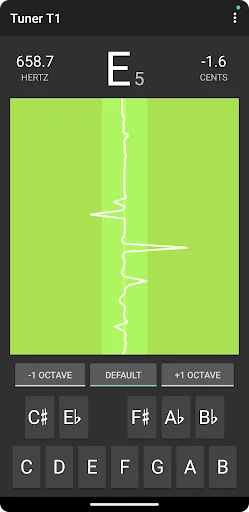
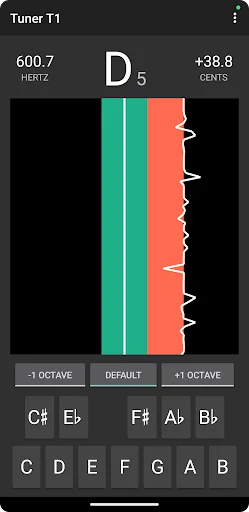
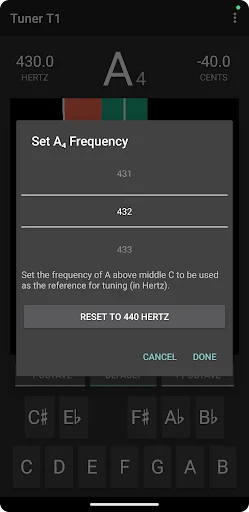
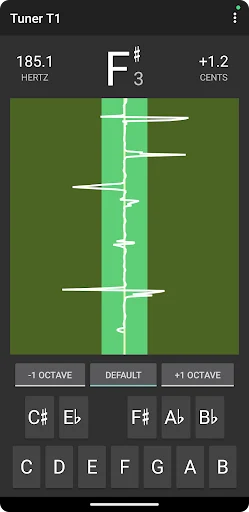
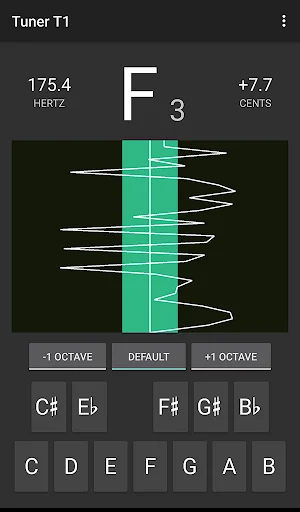
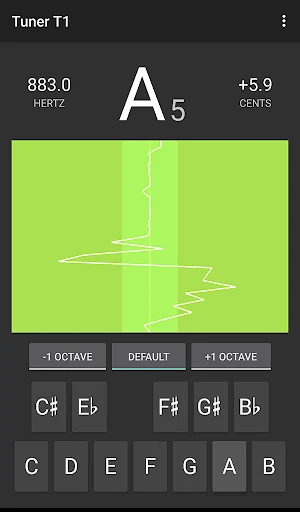
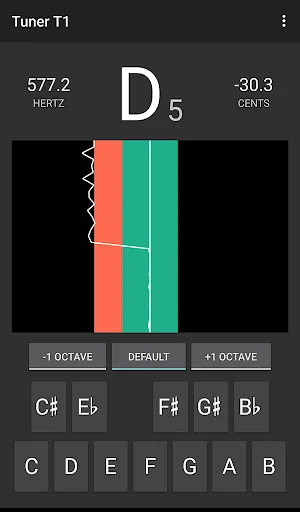
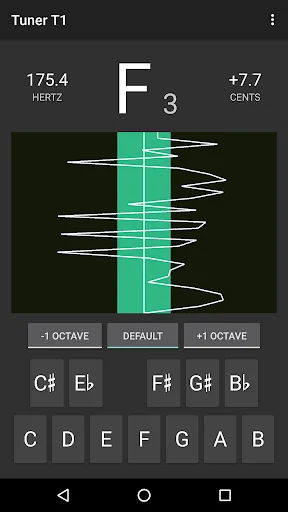
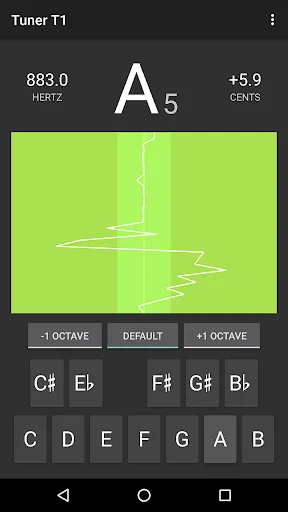
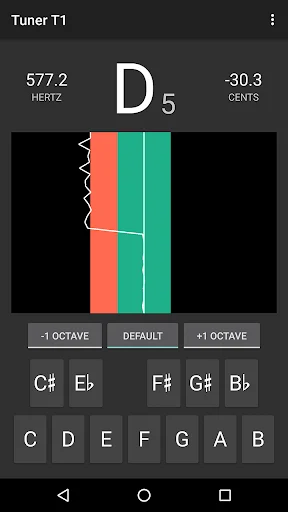
Chromatic tuner for guitar, ukulele, violin, viola and cello with live pitch
Read the store description
Tuner T1 is a chromatic tuner for guitar, ukulele, violin, viola and cello. Play one note at a time and follow the live note, frequency and cents readings. A pitch-history graph and audible reference tones give you two more ways to compare what you play. Tuning guitar, ukulele, violin, viola and cello Use Tuner T1 as a guitar tuner or ukulele tuner to check each string after changing strings or before you play. As a violin tuner, viola tuner or cello tuner, it lets you watch the pitch of an open string as you sustain the note. Follow the cents reading to see how far the pitch is from the detected note. Follow changes over time A single reading captures one moment. The pitch-history graph shows how a held note changes, so you can watch the trace while making a small adjustment. Continuous display options let you choose how the history is presented. This is useful for comparing the beginning of a note with its sustained sound and for noticing movement as the sound settles. Hear a reference note The reference-tone keyboard contains the 12 chromatic notes, with three selectable octave positions. Play a reference tone and compare it by ear with your instrument. You can use the audible note as a starting point, then check the microphone display, or alternate between listening and looking as part of your tuning routine. Adjust the reference and display Set the A4 reference frequency to match your ensemble or practice reference. Choose how the app labels notes and set the in-tune range that determines when the display marks a note as close to its target. A narrower range requires the reading to be closer to the target before the indicator marks it in tune. A practical tuning routine - Allow microphone access so the app can detect sound - Choose your A4 reference before beginning - Play one clear note and let it ring - Follow the note, frequency and cents display - Make a small adjustment, then play the note again - Use the history graph to see the sustained pitch - Compare with a reference tone when listening is helpful For string instruments, work through the notes you intend to tune in a quiet setting. A nearby instrument, speech or other sound can compete with the note reaching the microphone. Let the instrument produce a stable tone and check that the detected note is the one you intended before making another adjustment. These are listening and practice suggestions, not automatic tuning actions performed by the app. Use it in your music practice Check your pitch reference before a rehearsal or between exercises. Pluck an open string on guitar or ukulele and let it ring. On violin, viola or cello, use a steady bow stroke and watch the sustained part of the note on the graph. Repeat after a small adjustment and listen as the pitch settles. Open-string notes in standard tuning Guitar uses E2, A2, D3, G3, B3 and E4. High-G ukulele uses G4, C4, E4 and A4. Violin uses G3, D4, A4 and E5, viola uses C3, G3, D4 and A4, and cello uses C2, G2, D3 and A3. What the tools help you compare The note name identifies the detected musical note. Frequency shows the sound in hertz, while cents express a smaller pitch difference relative to that note. The graph adds a view over time, and the tone keyboard supplies an audible comparison. Use whichever combination is helpful for your instrument and surroundings; no one display replaces careful listening. Tuner T1 includes ads and offers an in-app purchase to remove them. Microphone access is required for pitch detection. For a useful comparison, play a clear sustained note where the device microphone can pick it up. A cents reading is a way to describe a small pitch interval: one semitone is divided into 100 cents. Watching the direction of that difference can be useful while listening for the note you want. Make a small change, then listen and measure again. At the end of a tuning session, play the intended notes once more to check the set before starting your next exercise.
What’s new
Fixed an issue that could stop pitch updates after returning to the app or recreating the tuning screen.

Meta Quest
Tuner T1
- Meta Horizon Store
- $4.99
Quest 2, Quest Pro, Quest 3, Quest 3S
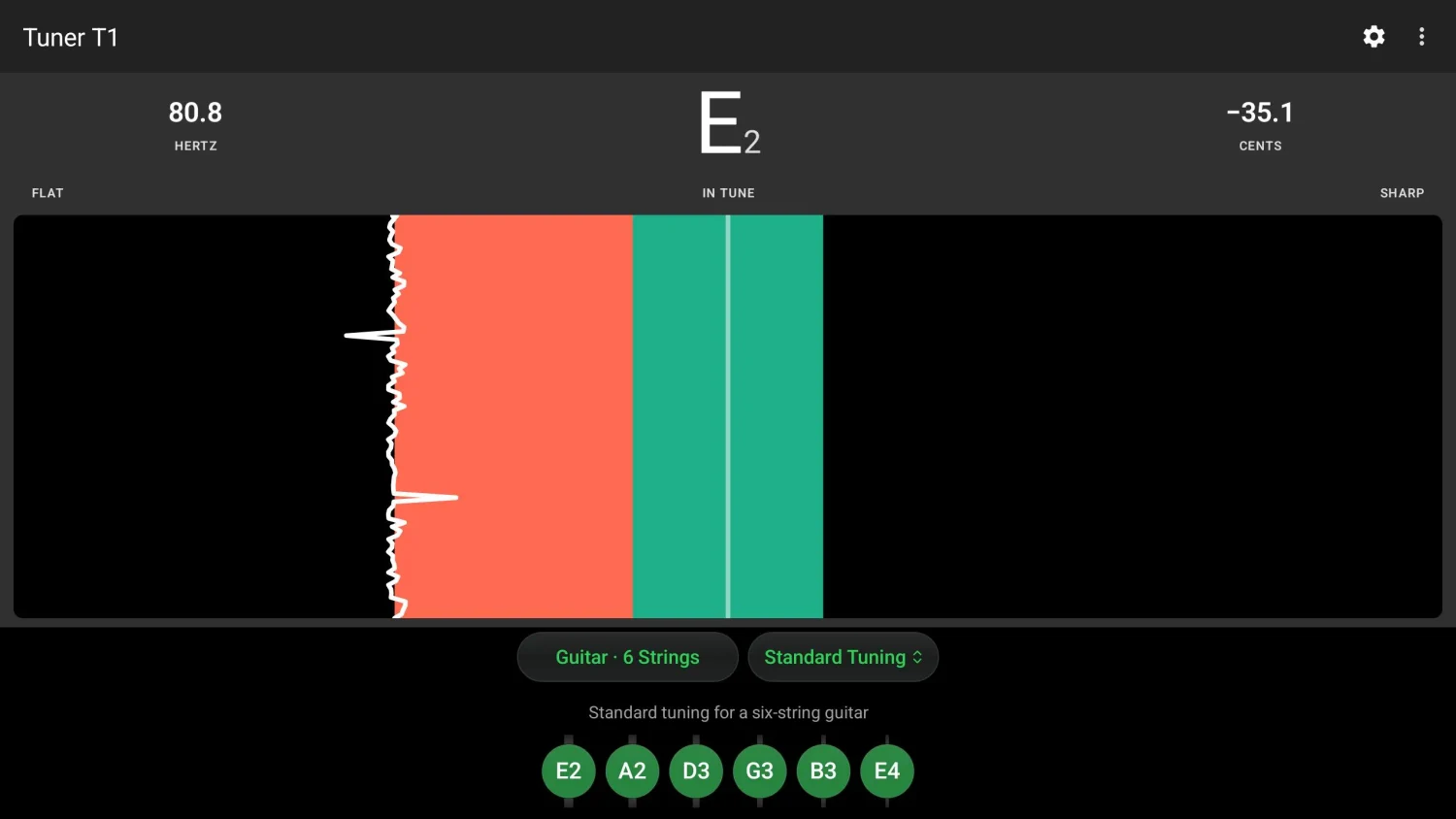
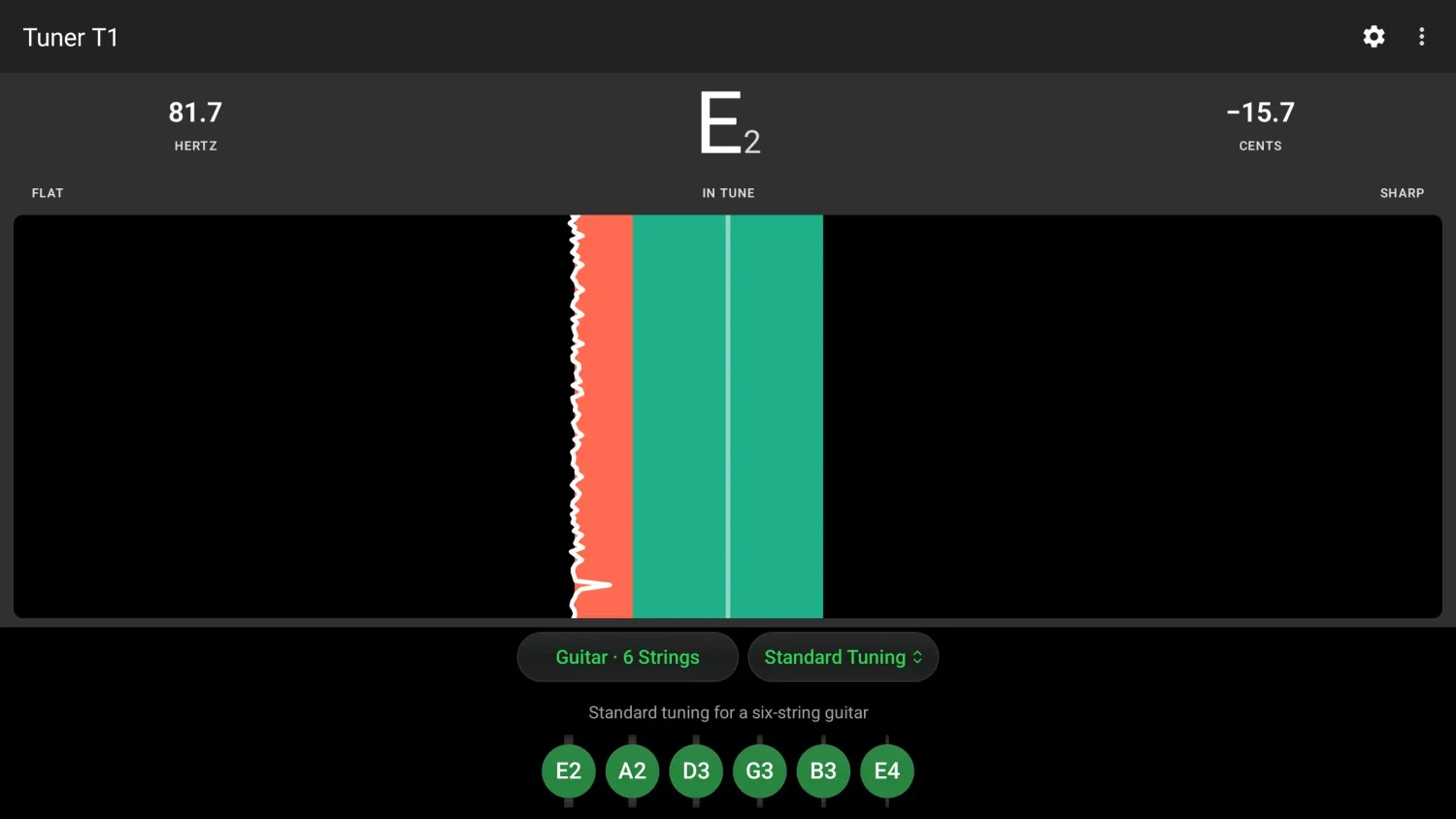
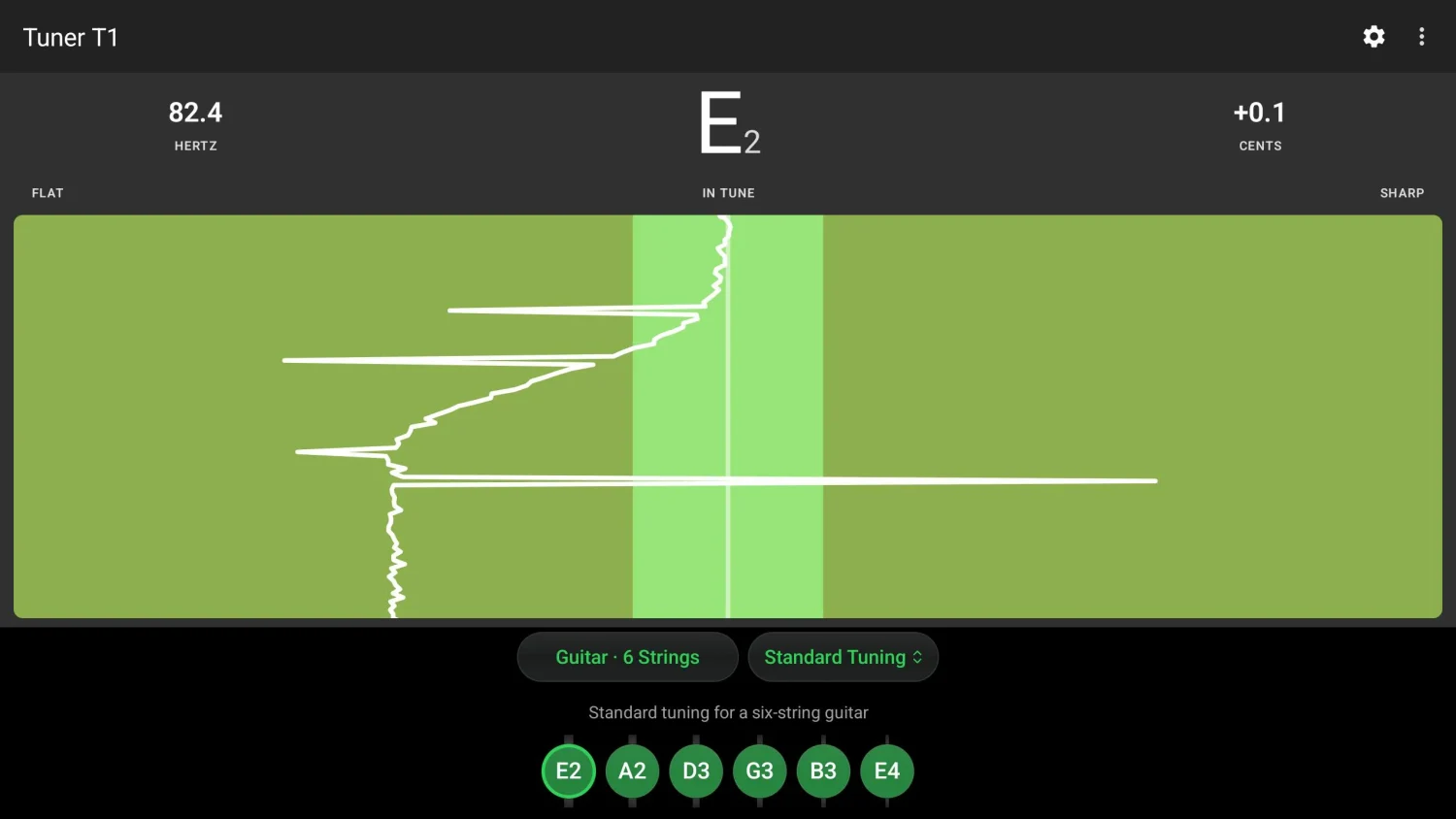
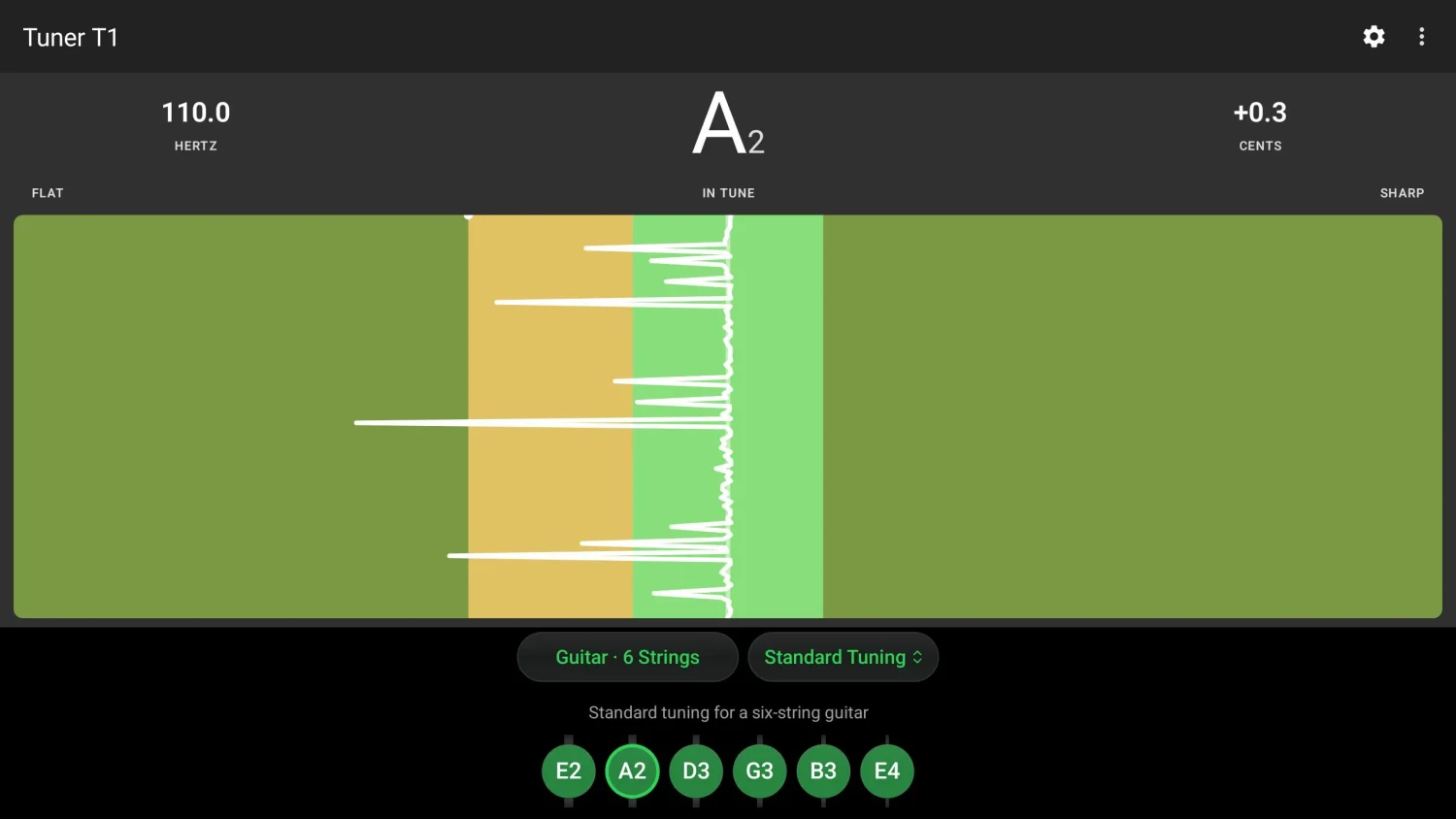
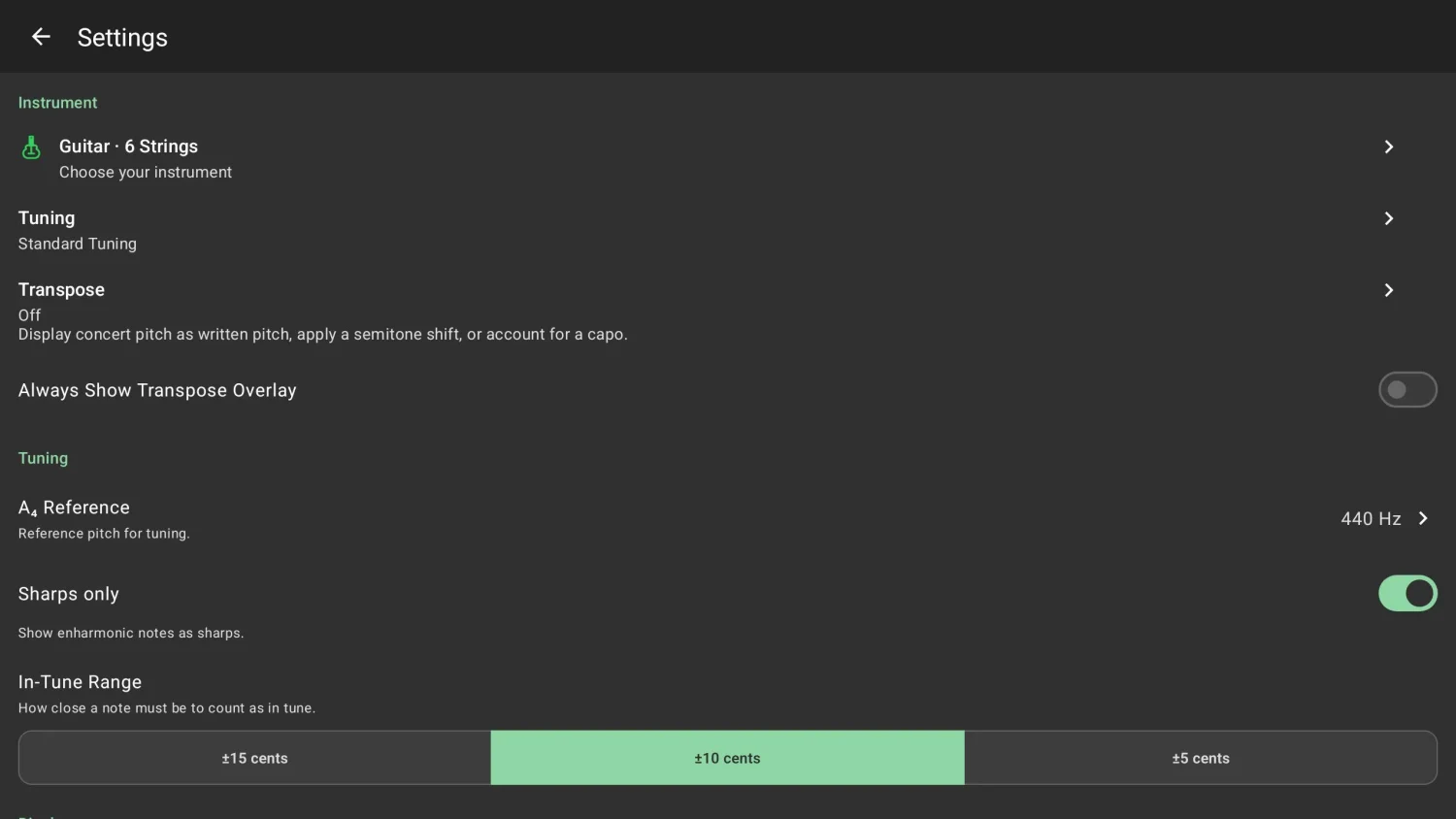
Tune instruments with a chromatic tuner and instrument-specific reference notes.