

Music Tutor (Sight-reading)
Build sight-reading fluency by naming notes on the staff. Music Tutor lets you practise with treble, bass, and alto clefs and review how you did.
iPhone
Music Tutor (Sight-reading)
- App Store
- Free
- Version 3.25.1
Requires iOS 12.0 or later.
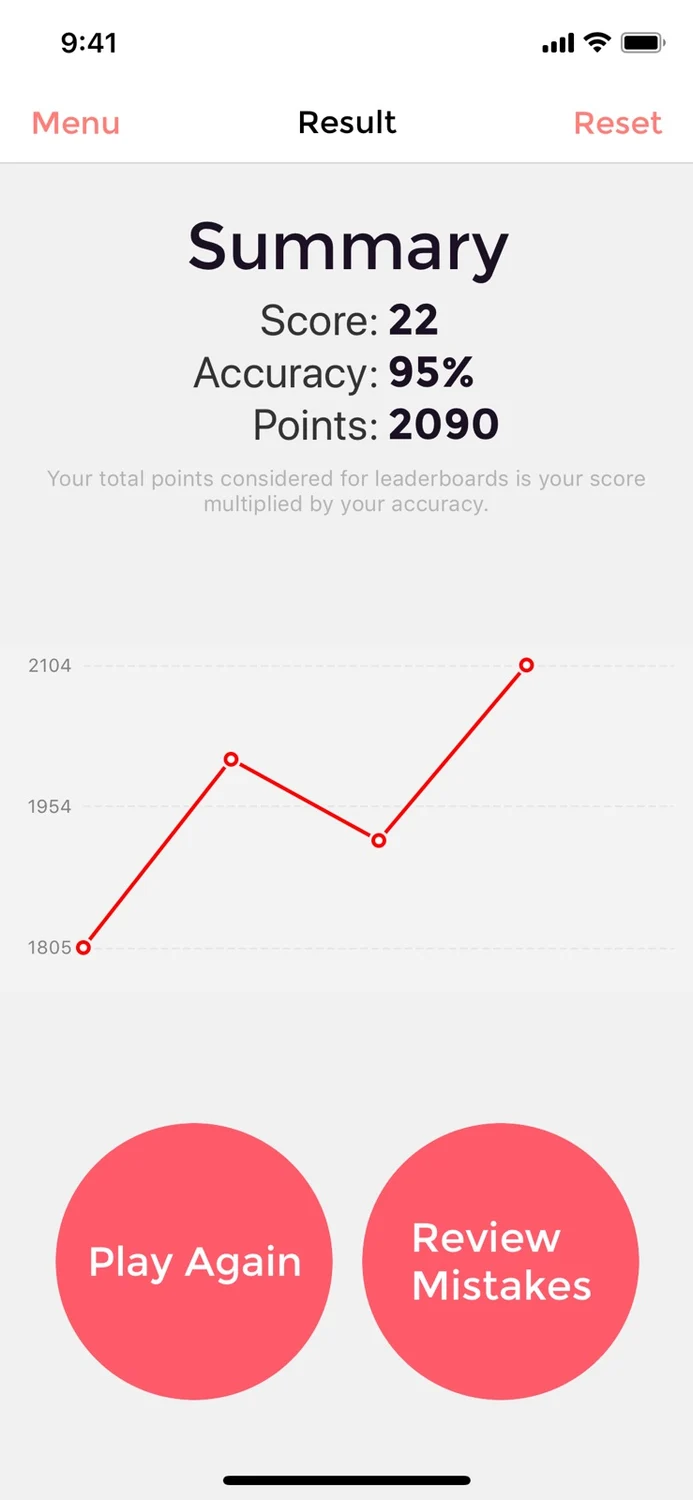
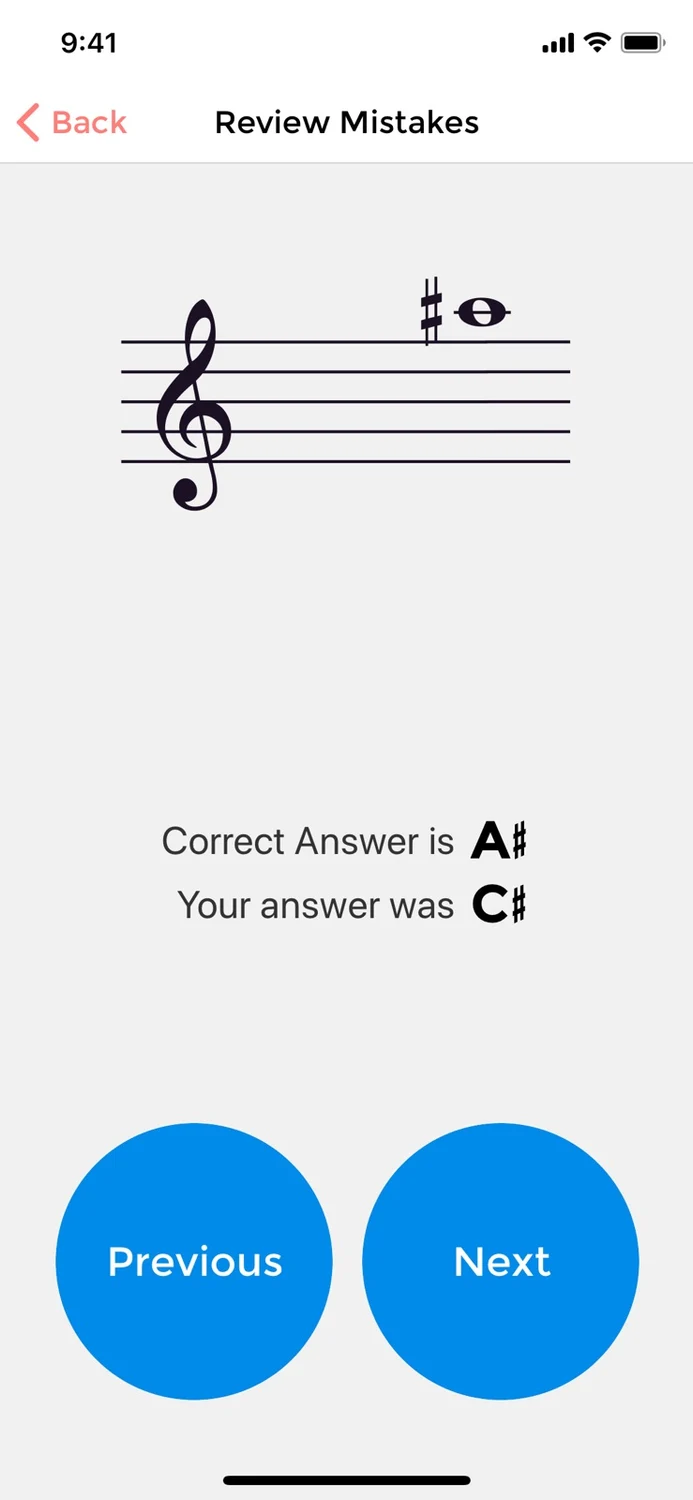
Improve your sight-reading
Read the store description
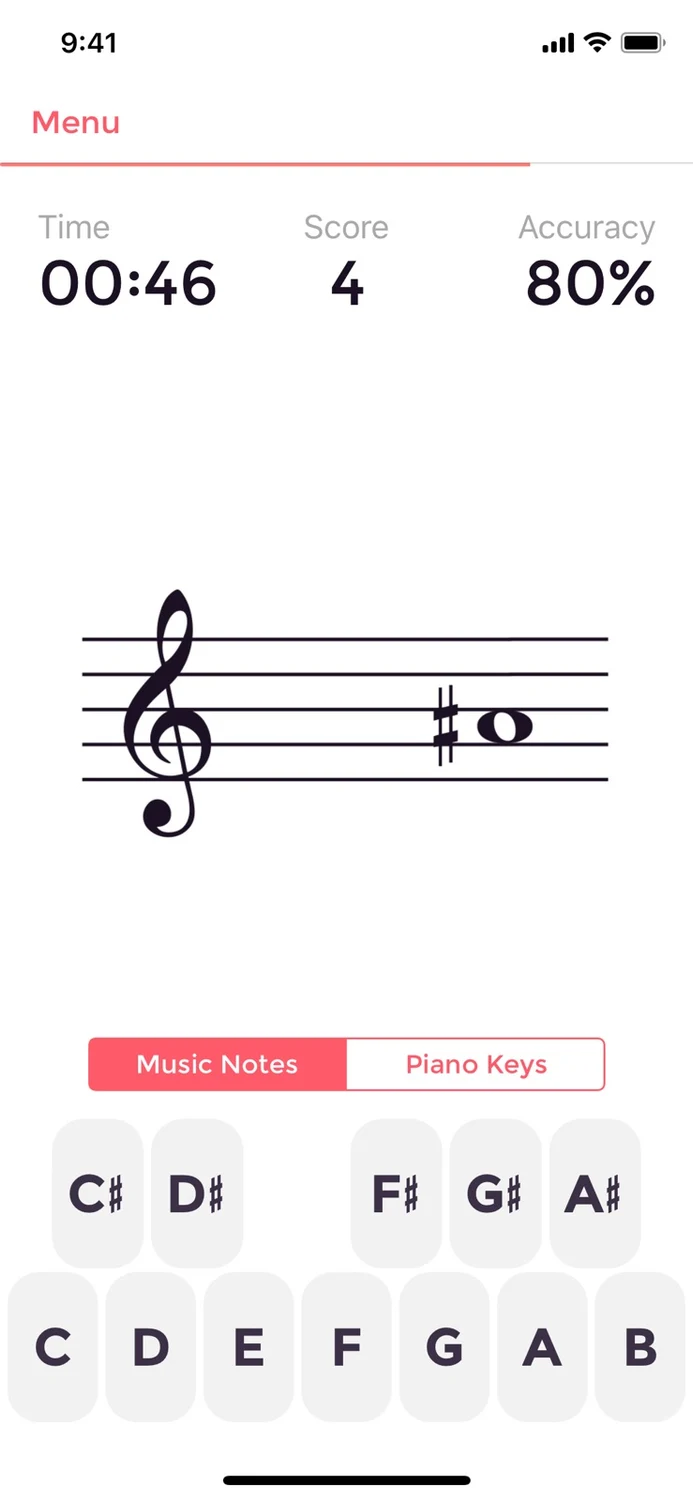
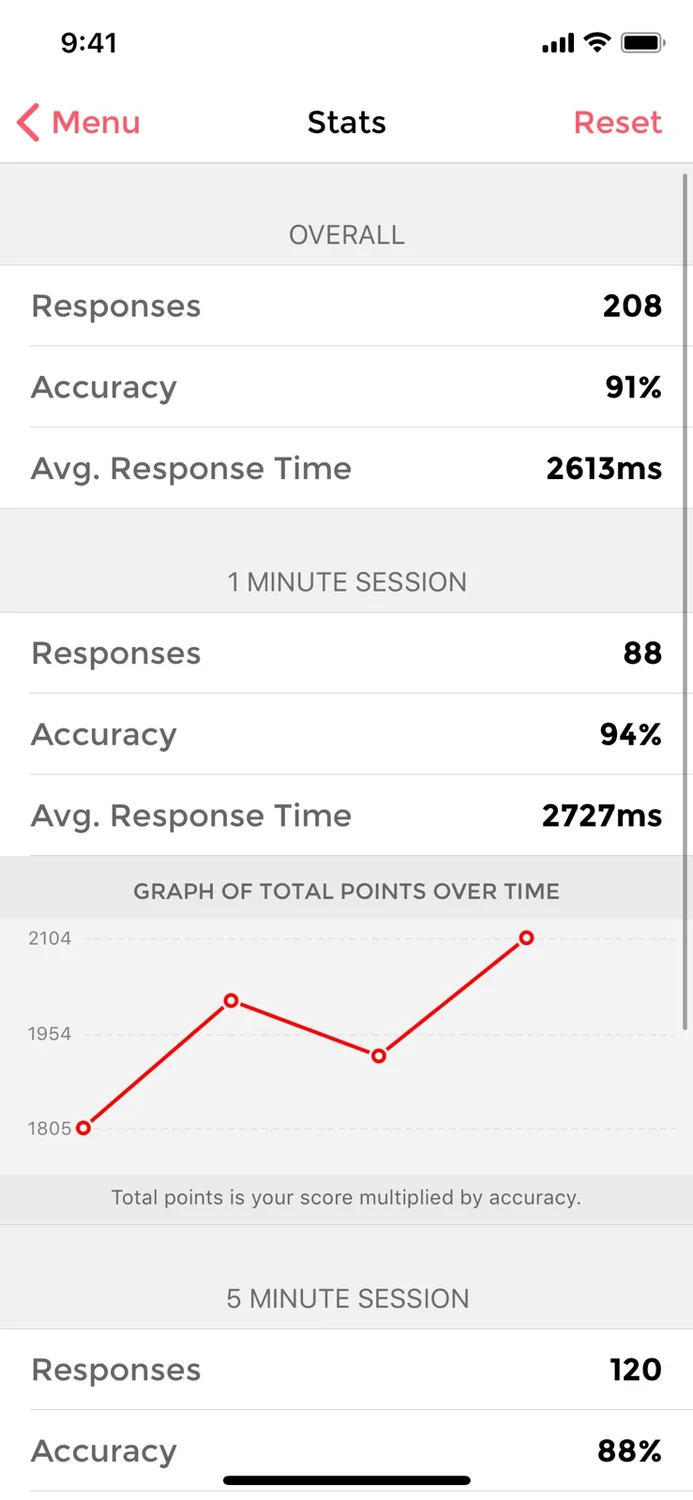
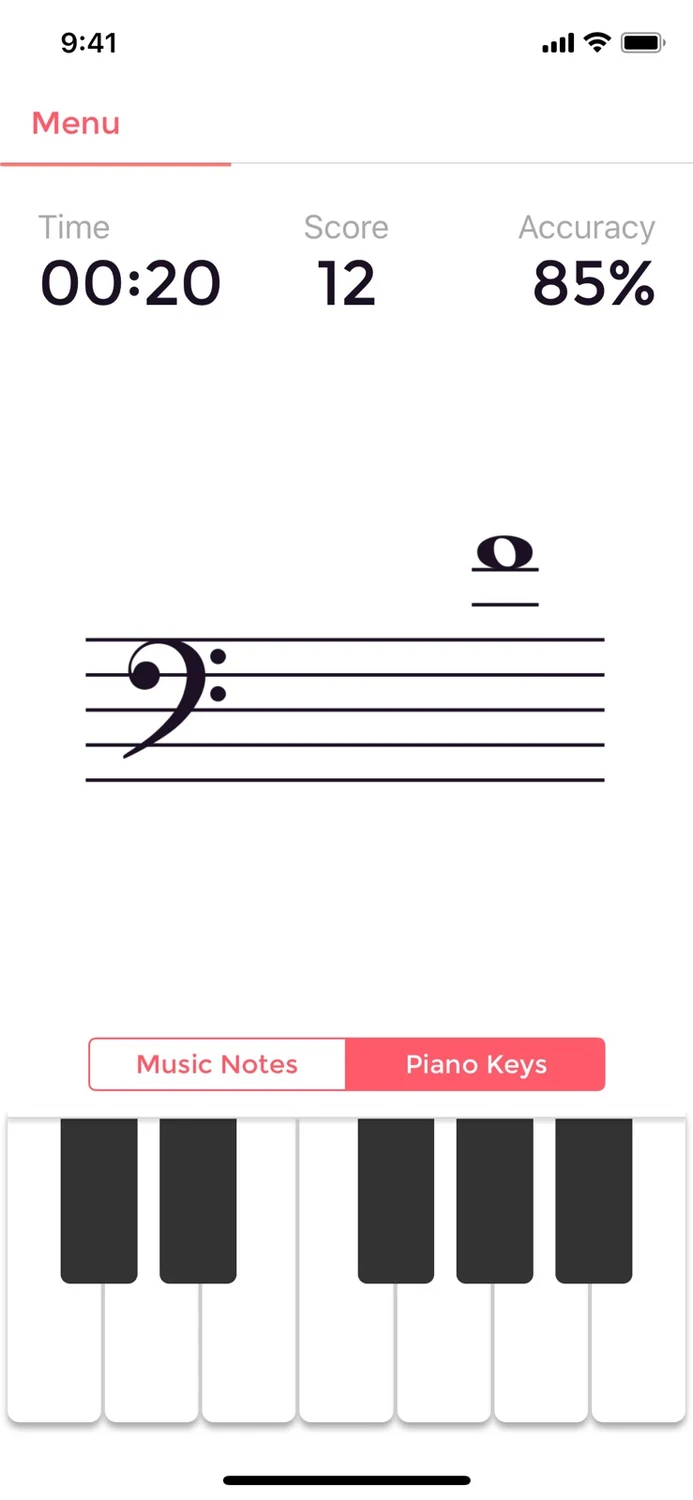
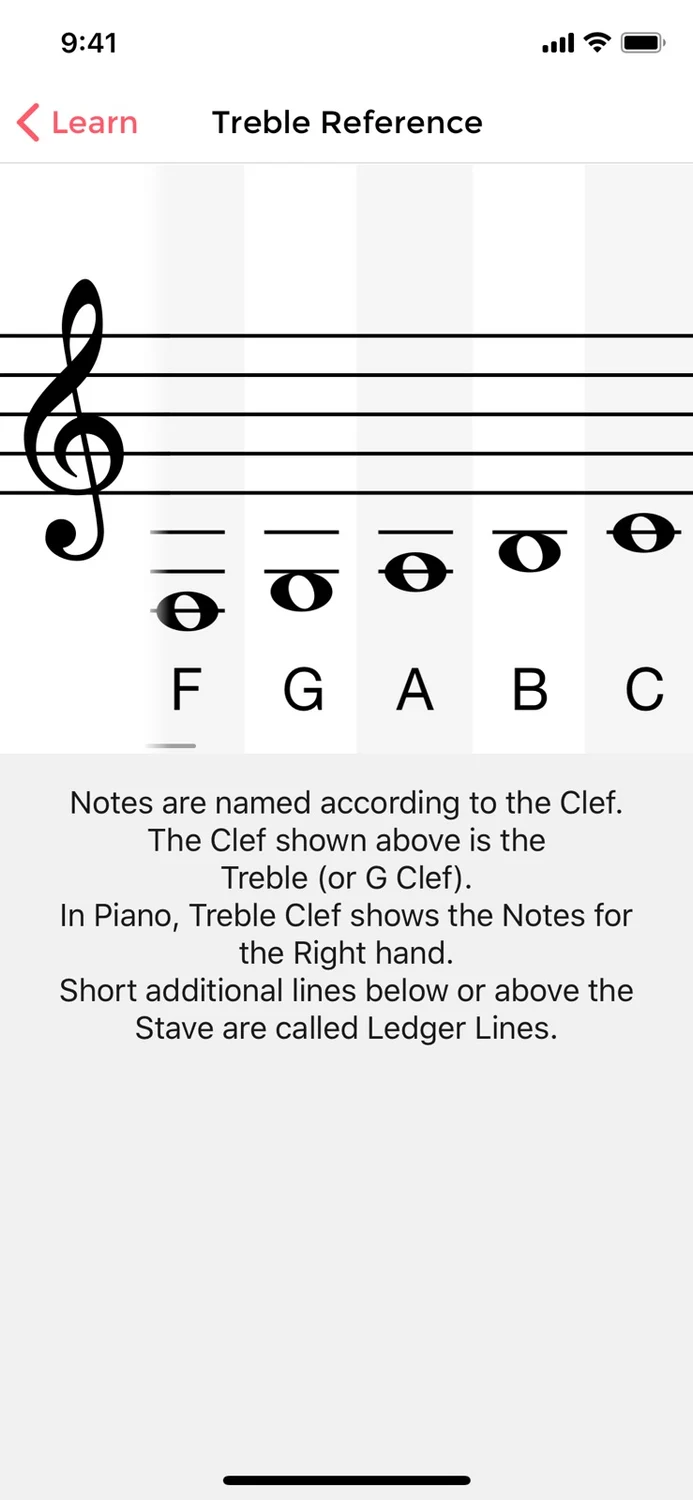
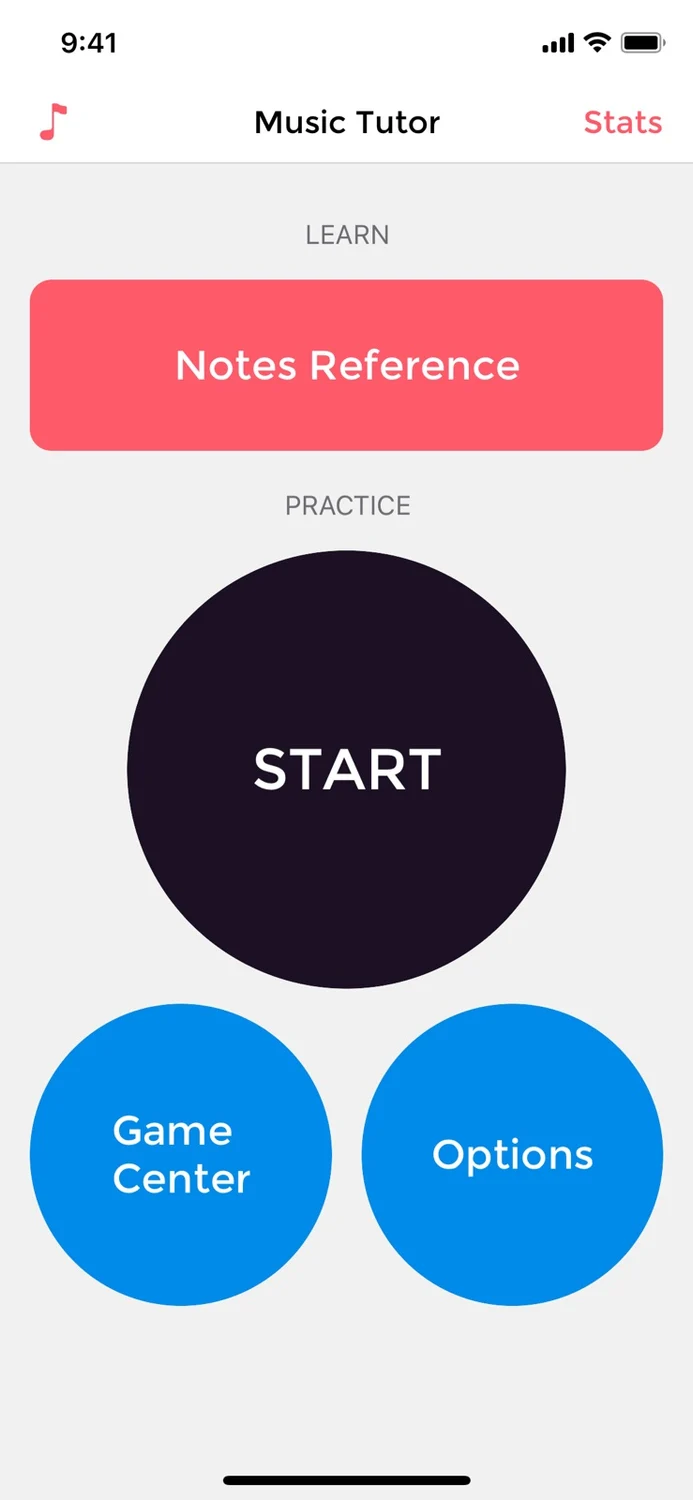
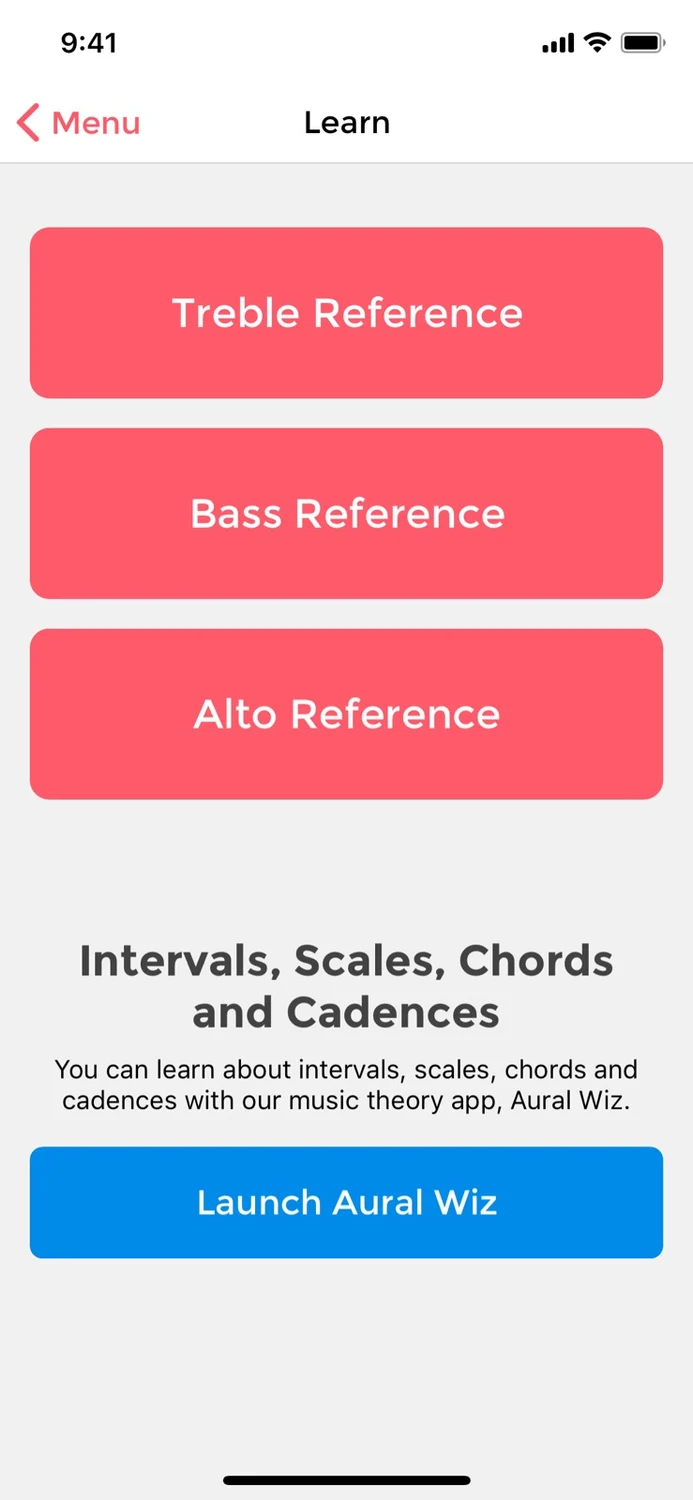
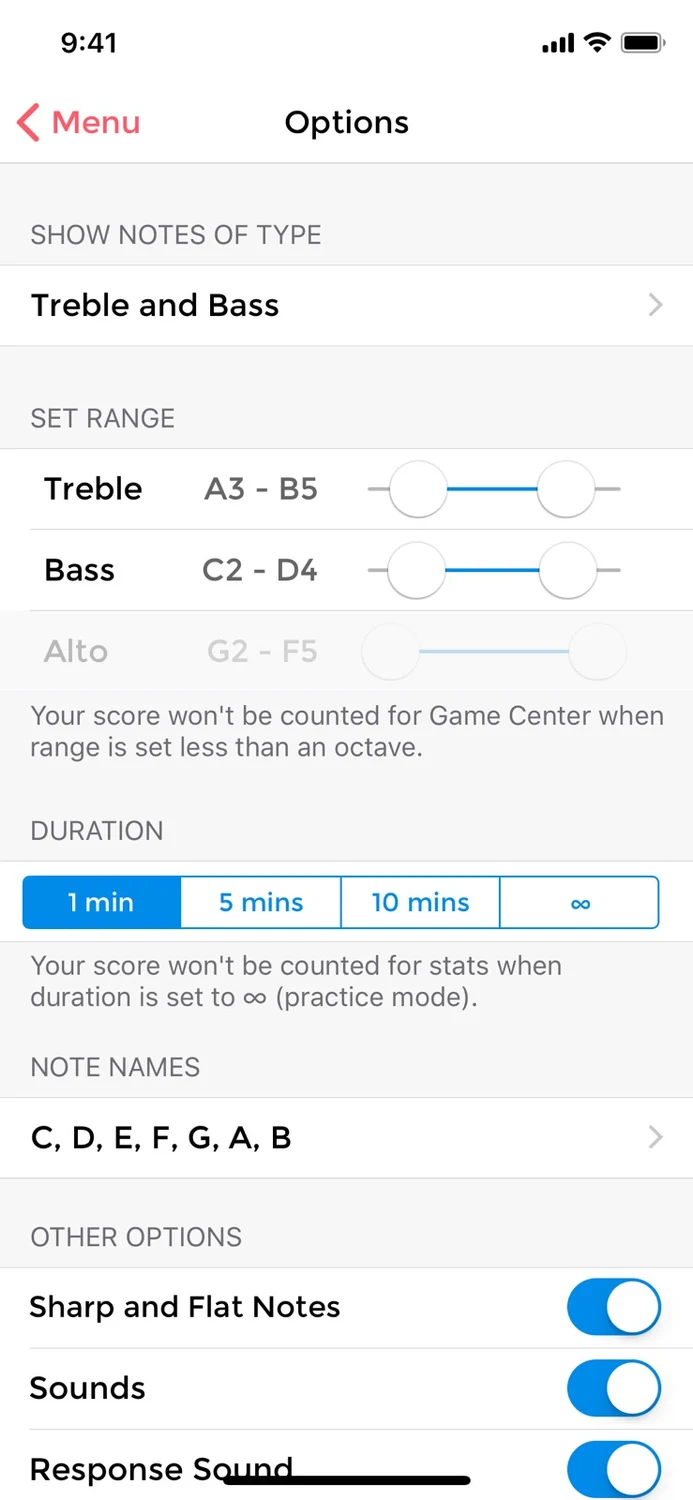
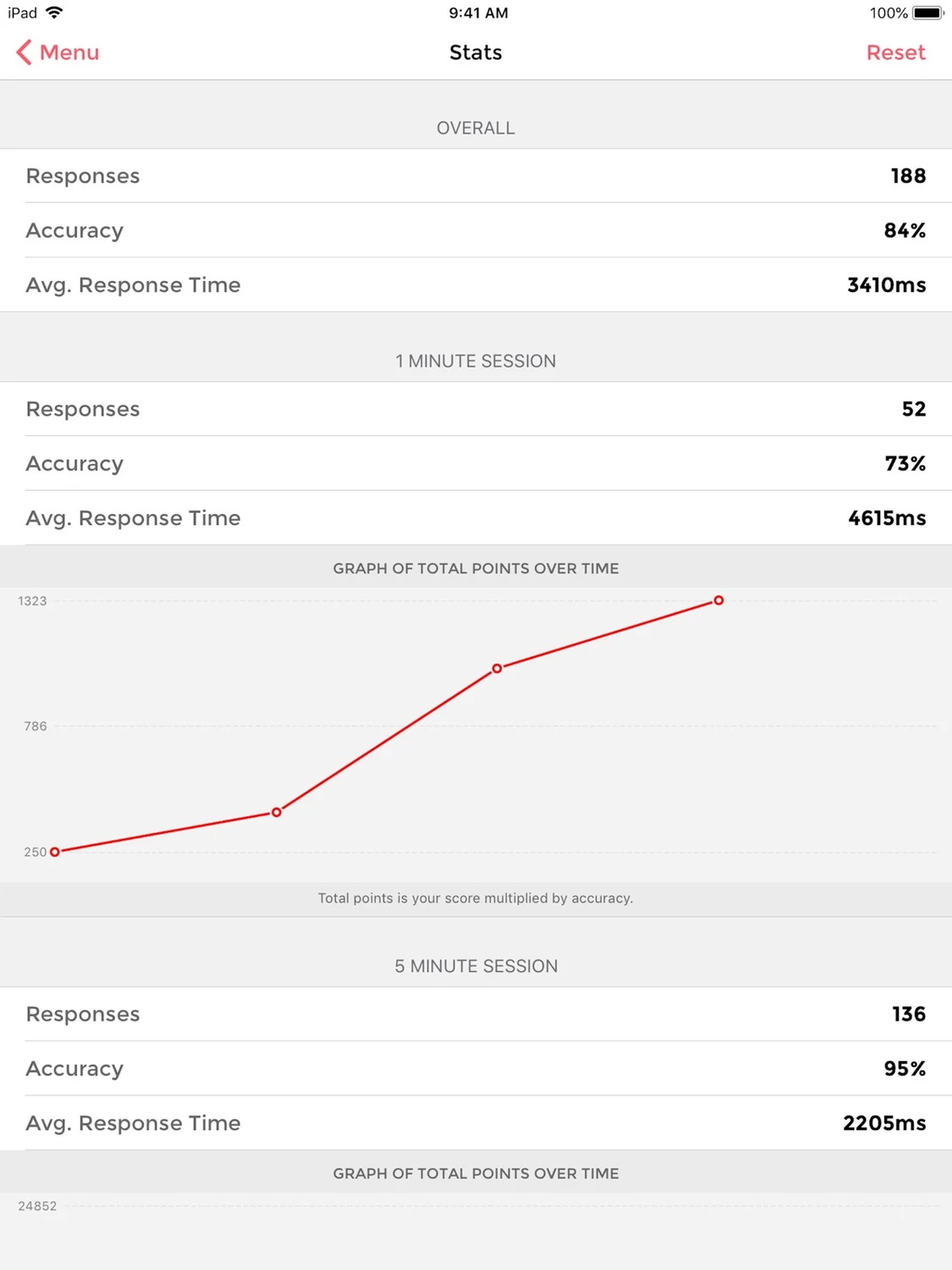
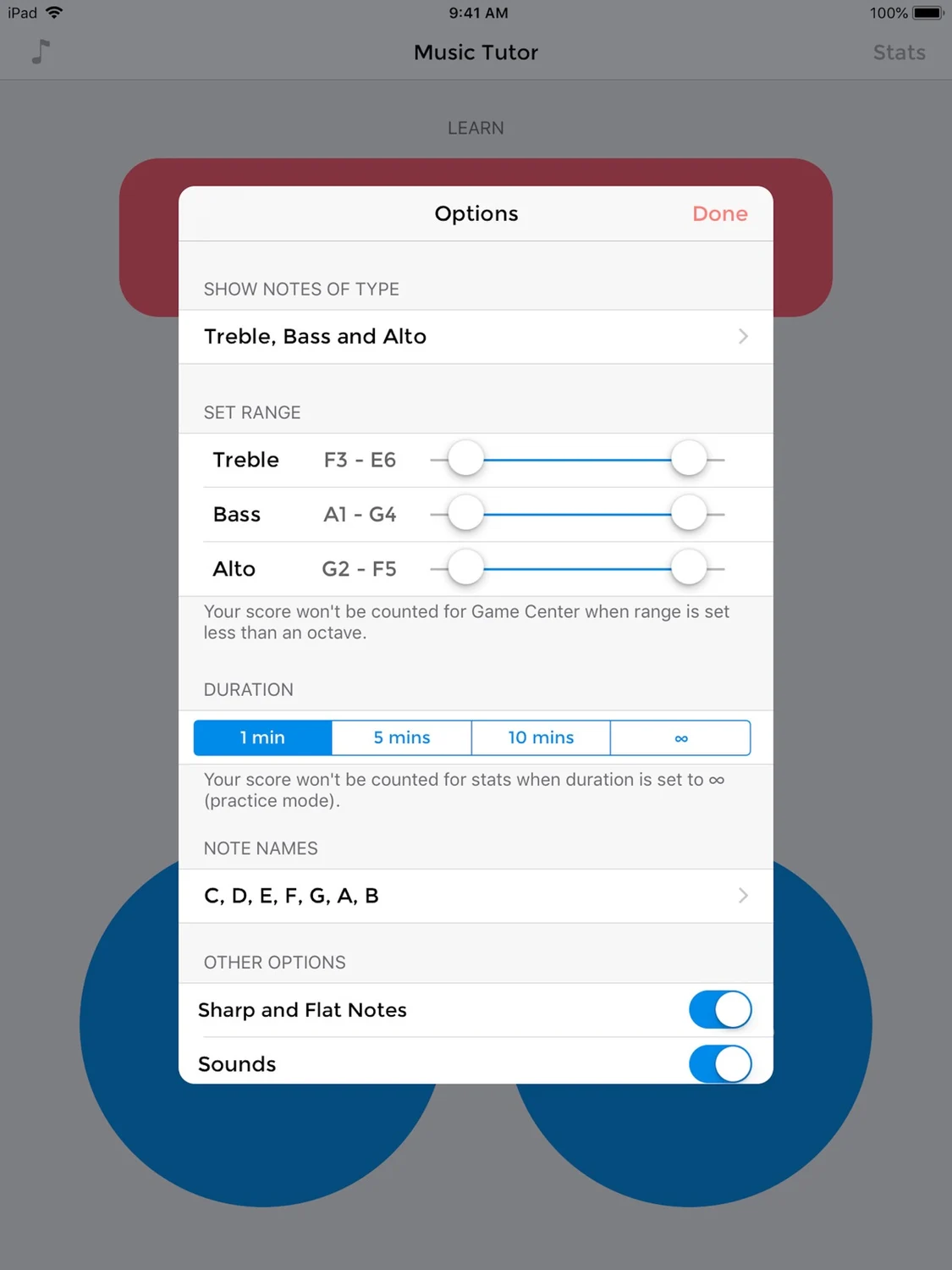
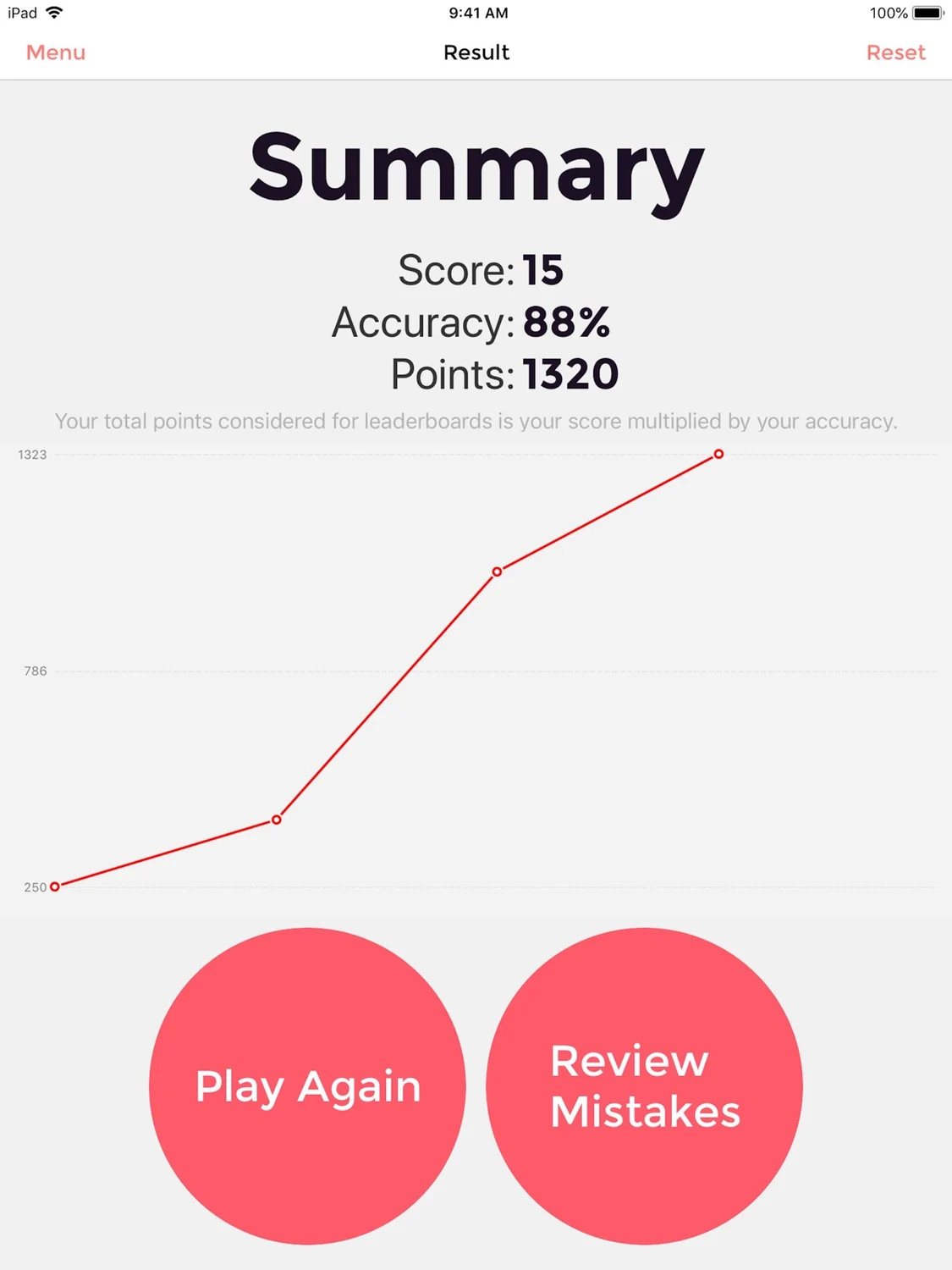
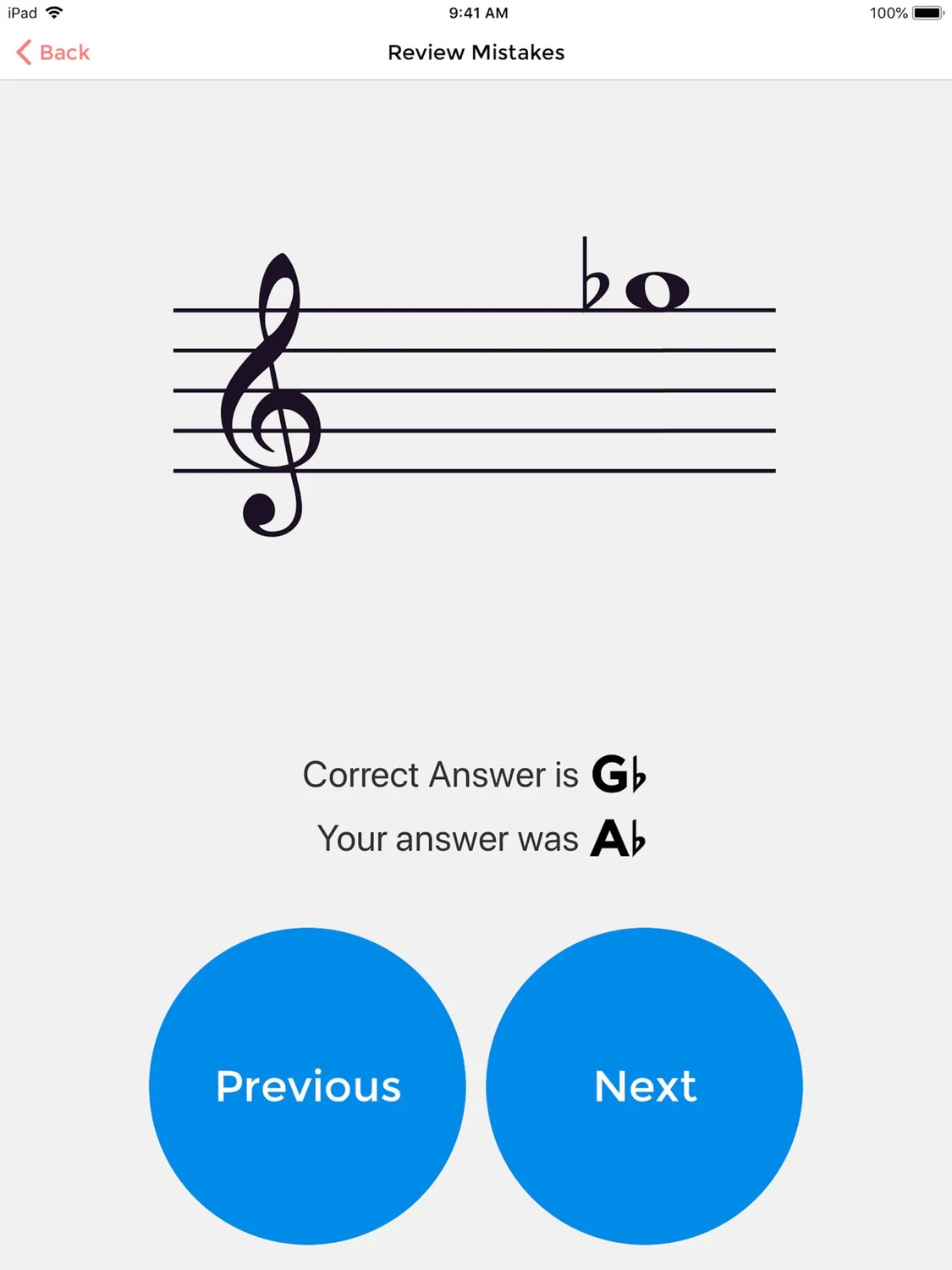
Note: This free version is supported by ads. To remove advertisements, use the in-app purchase to upgrade or buy the paid version, Music Tutor Plus from the App Store. Learn to read sheet music and improve your sight-reading skills with Music Tutor. Develop your speed and accuracy in reading sheet music by identifying music notes in timed sessions. Choose to practice with notes in treble, bass and alto clefs in timed or untimed sessions. After each test, you can review your mistakes and see your progress. Other features of Music Tutor include: • Custom Practice Range - Set your own range of notes that you want to practice with. • Supports notes up to 4 ledger lines above or below the staff on any of the clefs. • Notes Reference Charts - For Treble, Bass and Alto clefs. • MIDI Support - Connect your keyboard or digital piano using Lightning to USB Camera Adapter and respond directly from your instrument. • Companion Apple Watch app using which you can practice recognising music notes on the go. • Supports App Clips and Advanced App Clip Experiences - a way to quickly access and experience a practice session with Music Tutor without having to install the complete app. For Advanced App Clip Experiences, an App Clip invocation URL can be configured using the documentation available at https://musictutorapp.com/appclip.
What’s new
This app has been updated by Apple to prepare for watchOS 27 compatibility. No new features are included. Framework and security updates.
iPad
Music Tutor (Sight-reading)
- App Store
- Free
- Version 3.25.1
Requires iPadOS 12.0 or later.
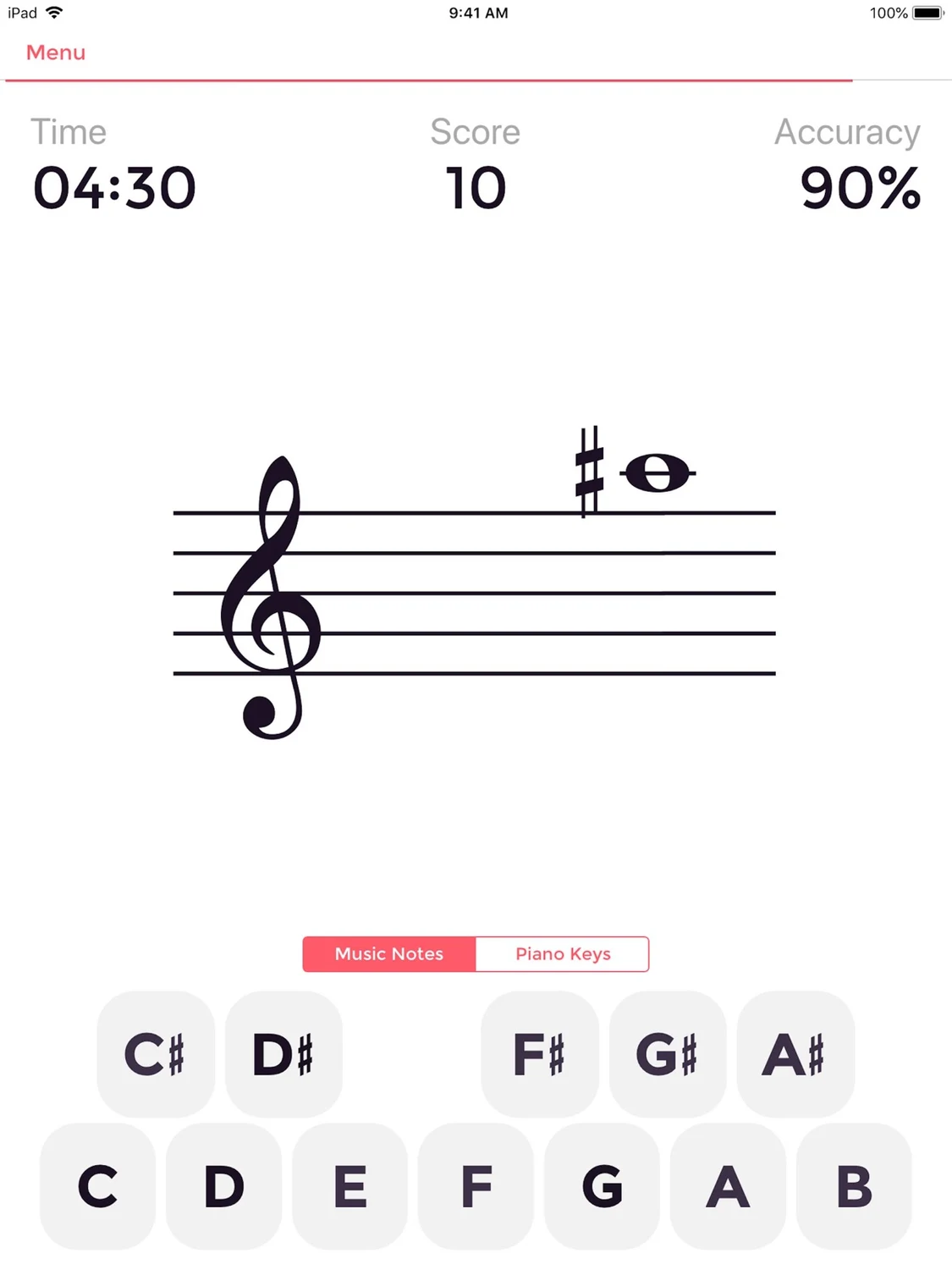
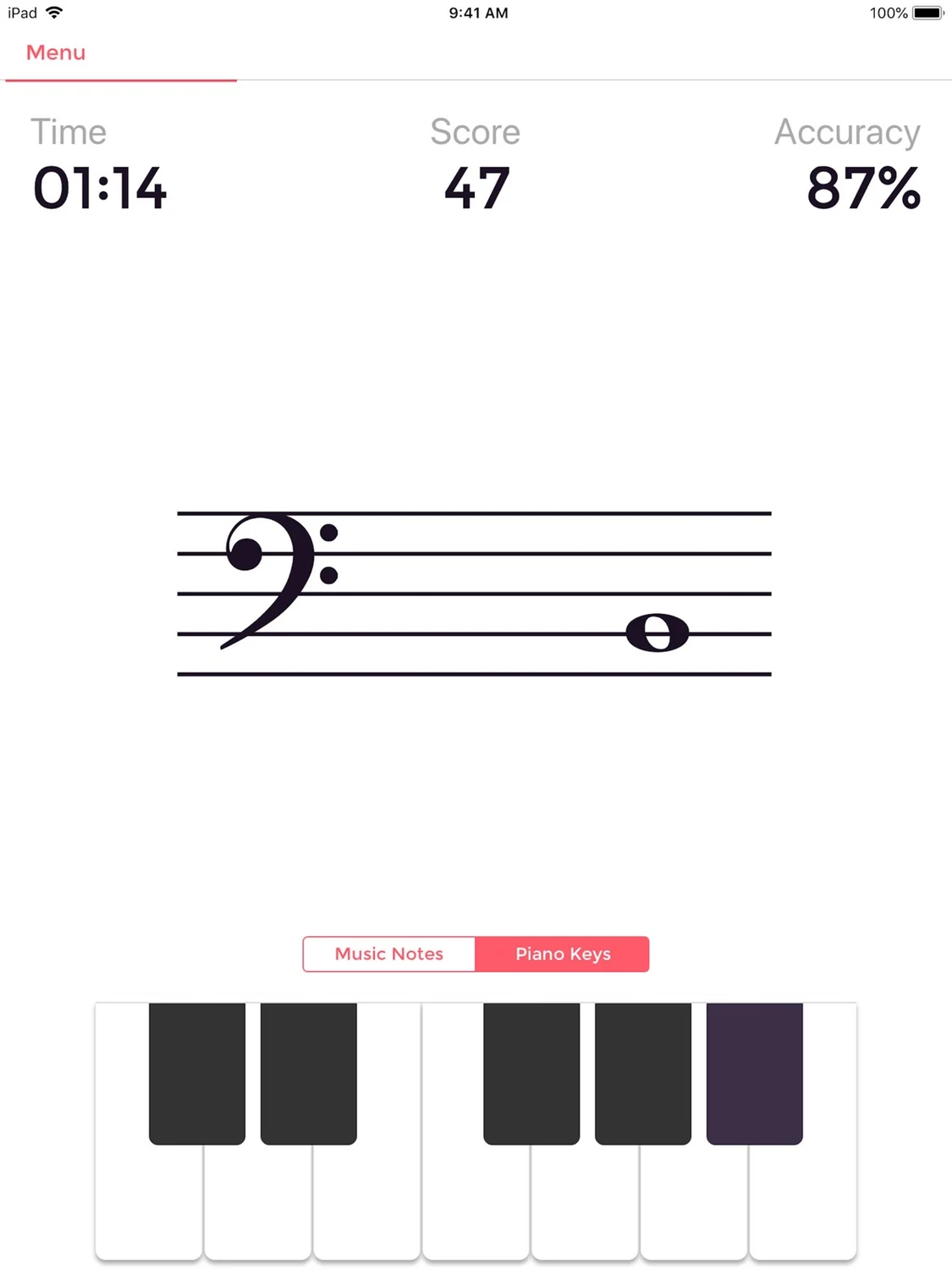
Improve your sight-reading
Read the store description
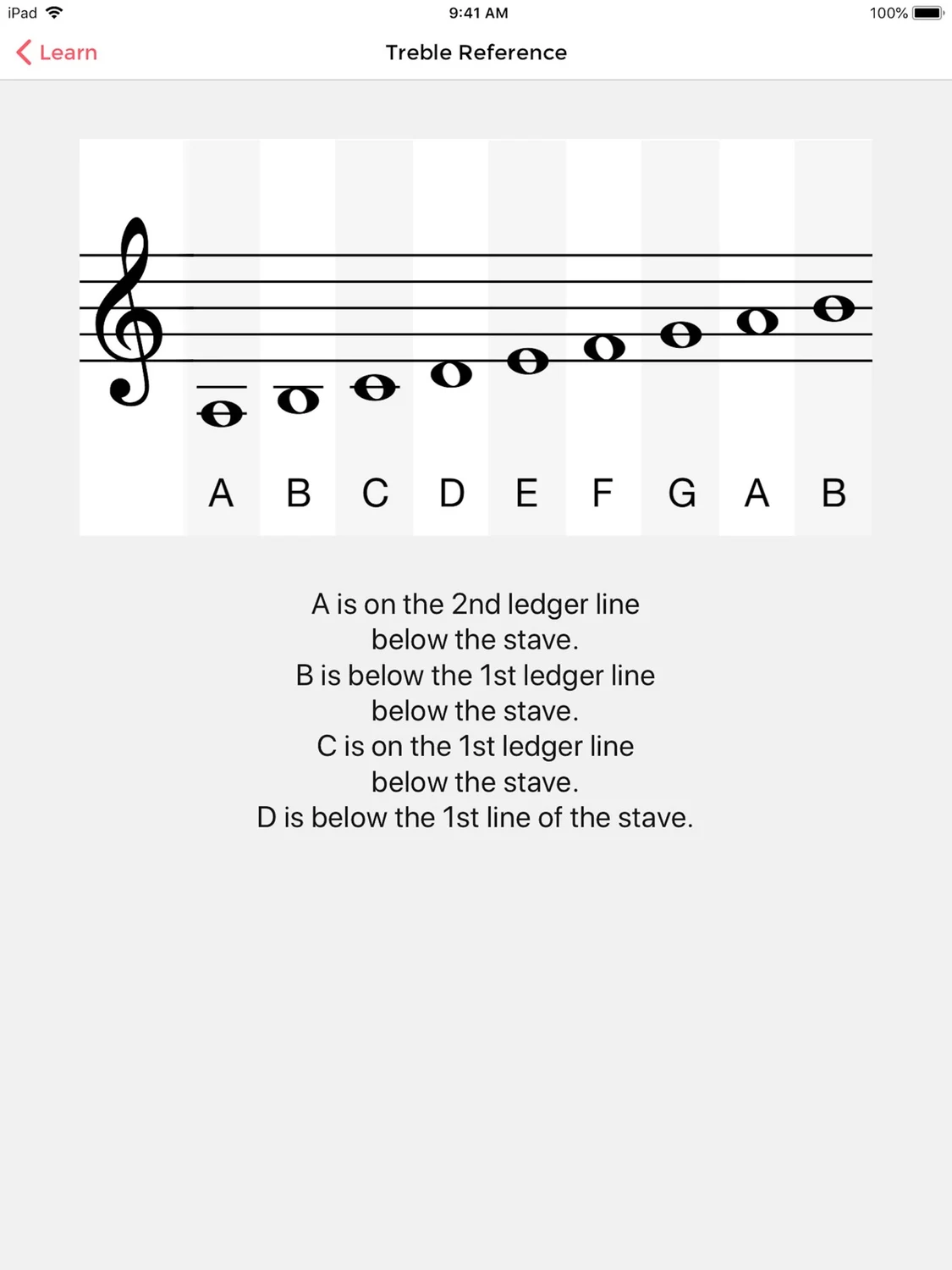
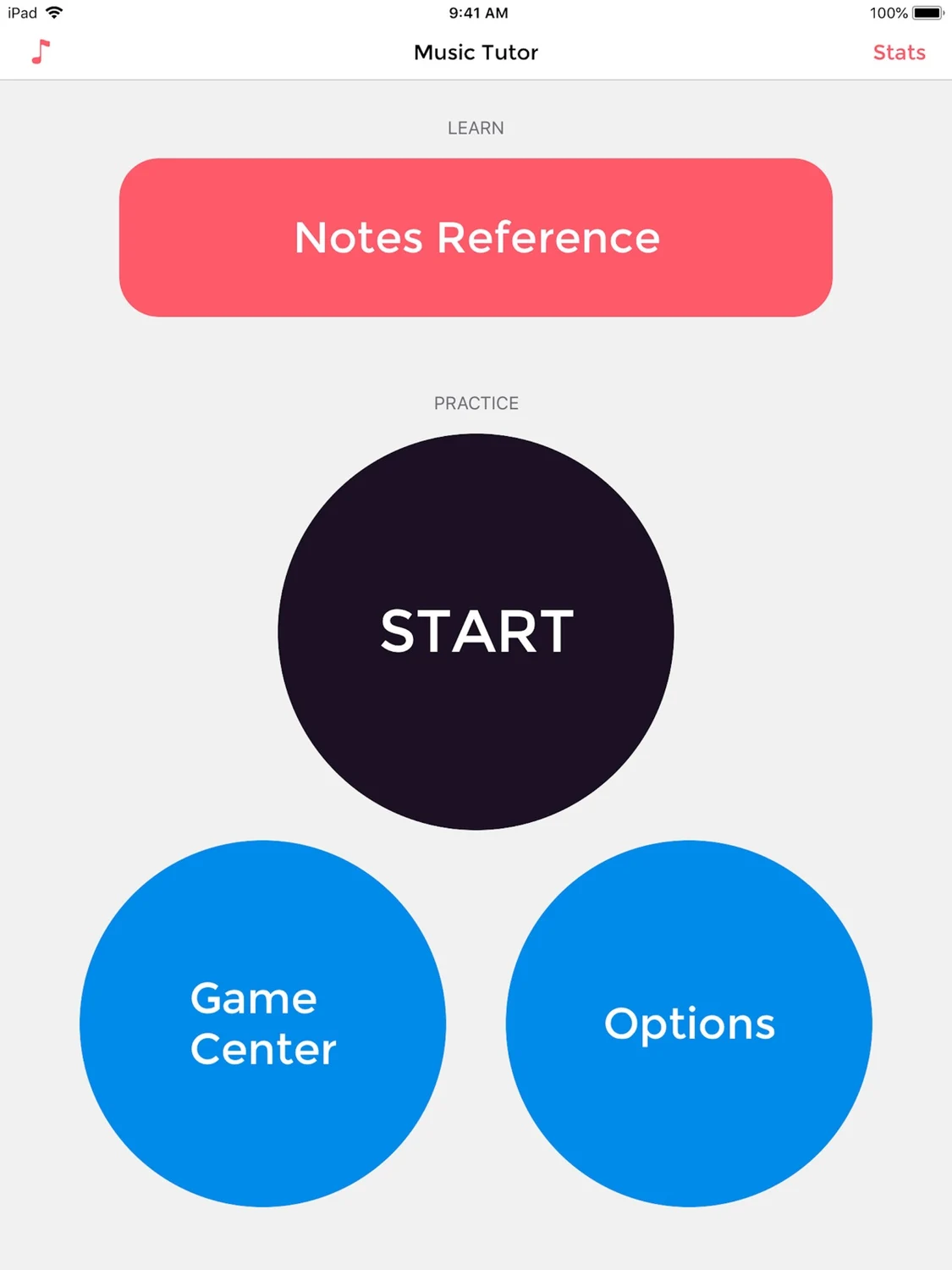
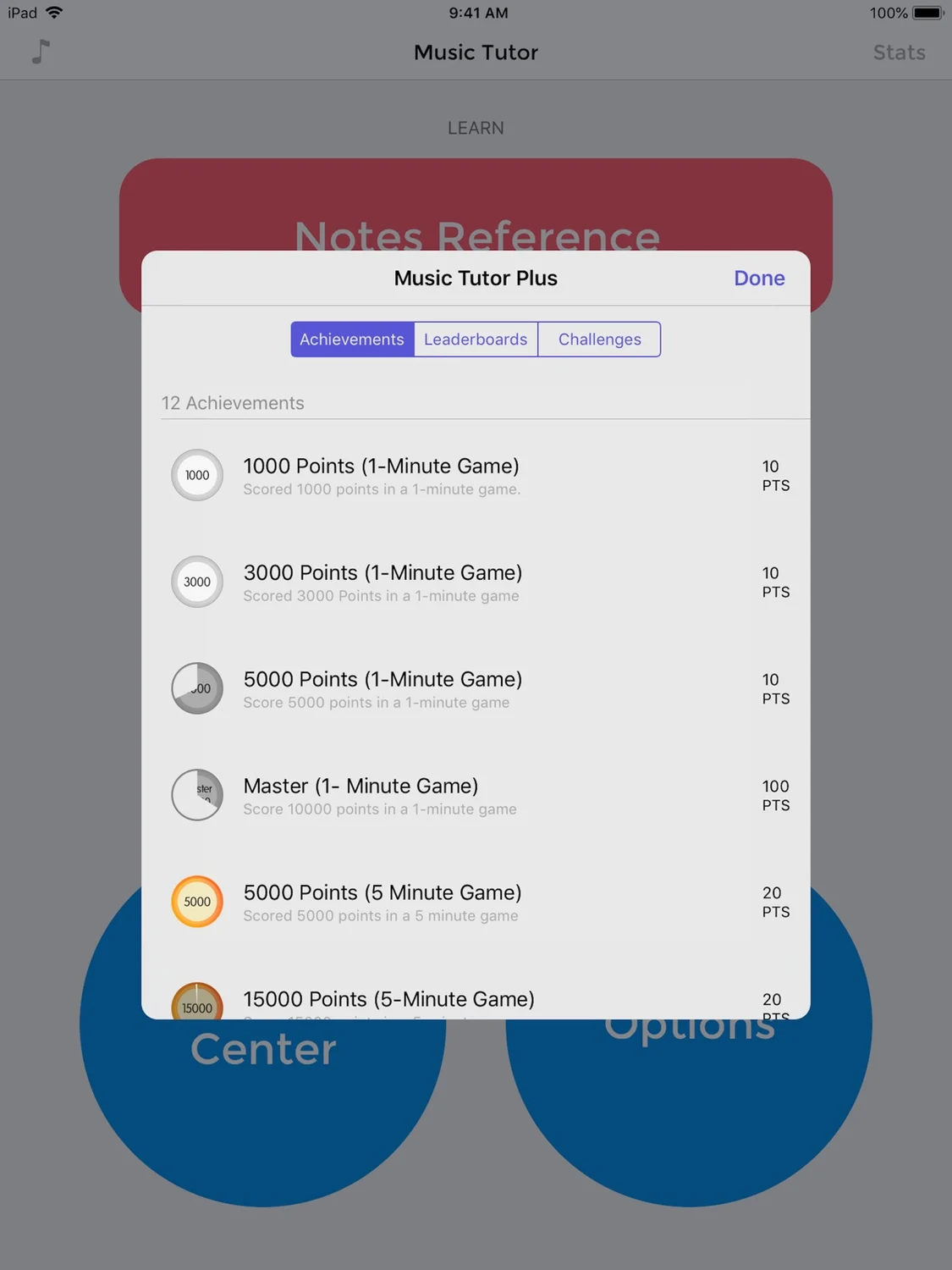
Note: This free version is supported by ads. To remove advertisements, use the in-app purchase to upgrade or buy the paid version, Music Tutor Plus from the App Store. Learn to read sheet music and improve your sight-reading skills with Music Tutor. Develop your speed and accuracy in reading sheet music by identifying music notes in timed sessions. Choose to practice with notes in treble, bass and alto clefs in timed or untimed sessions. After each test, you can review your mistakes and see your progress. Other features of Music Tutor include: • Custom Practice Range - Set your own range of notes that you want to practice with. • Supports notes up to 4 ledger lines above or below the staff on any of the clefs. • Notes Reference Charts - For Treble, Bass and Alto clefs. • MIDI Support - Connect your keyboard or digital piano using Lightning to USB Camera Adapter and respond directly from your instrument. • Companion Apple Watch app using which you can practice recognising music notes on the go. • Supports App Clips and Advanced App Clip Experiences - a way to quickly access and experience a practice session with Music Tutor without having to install the complete app. For Advanced App Clip Experiences, an App Clip invocation URL can be configured using the documentation available at https://musictutorapp.com/appclip.
What’s new
This app has been updated by Apple to prepare for watchOS 27 compatibility. No new features are included. Framework and security updates.
Mac
Music Tutor (Sight-reading)
- Mac App Store
- $9.99
- Version 2.2
Requires macOS 10.10 or later.
Improve your sight-reading
Read the store description
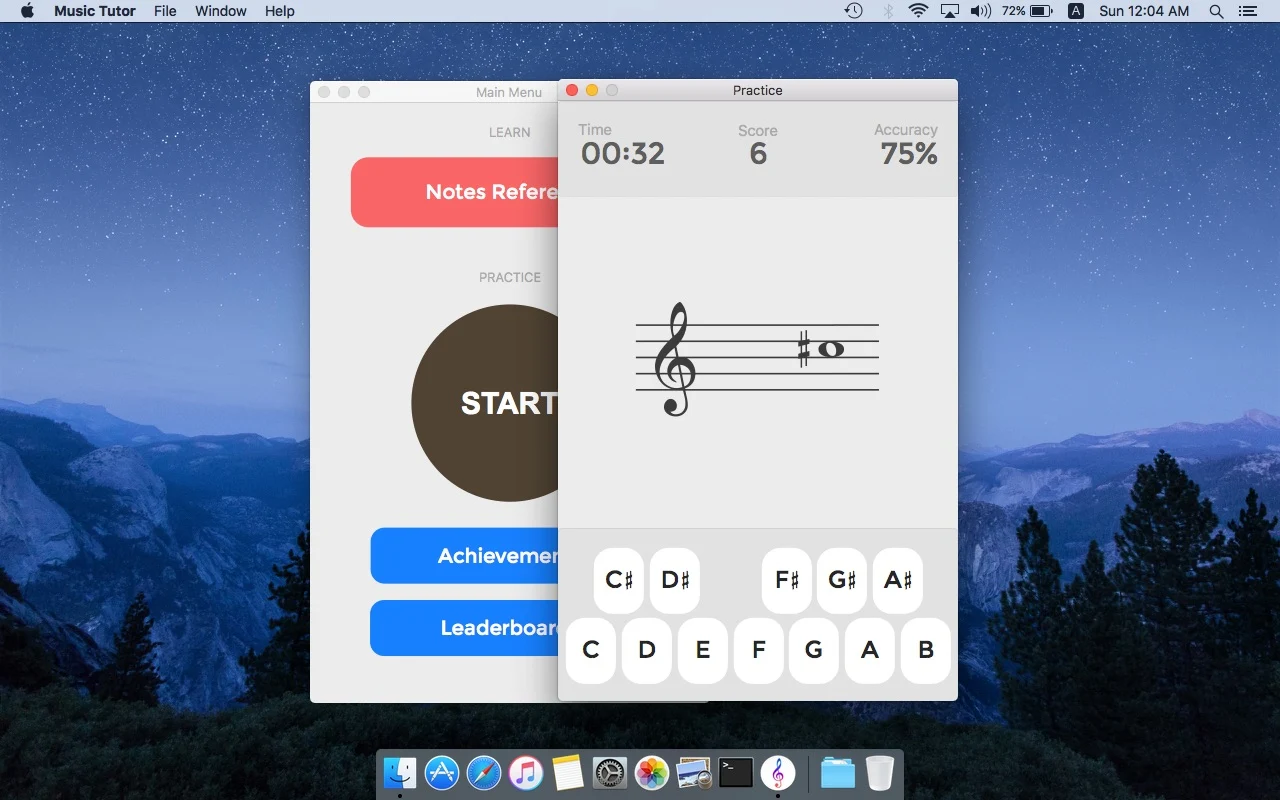
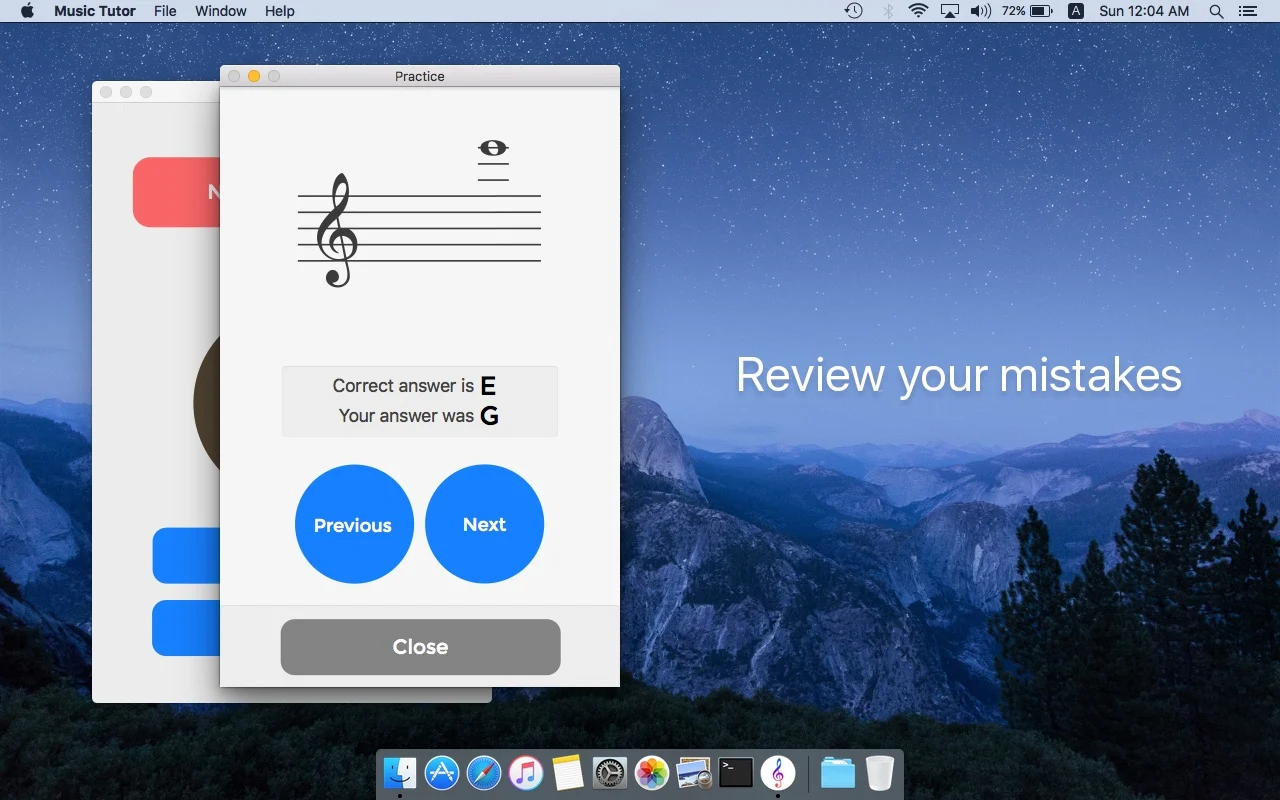
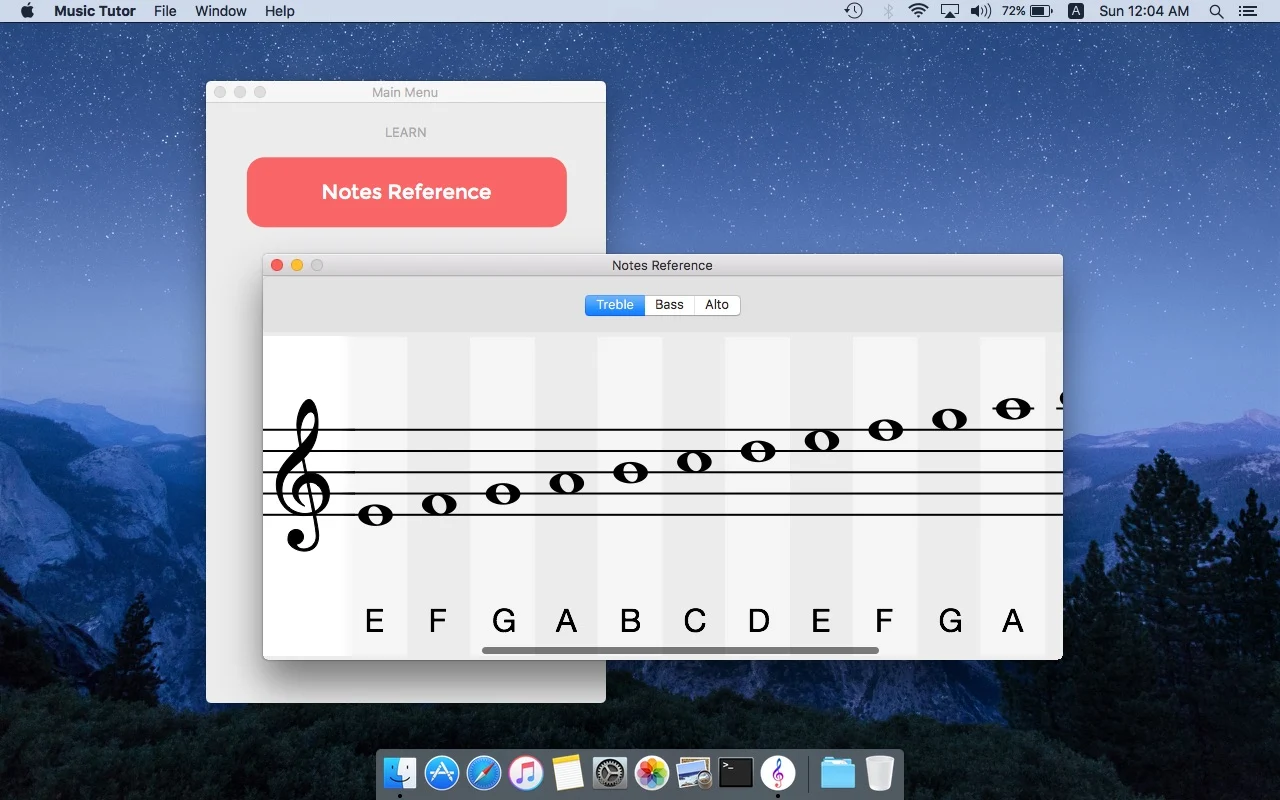
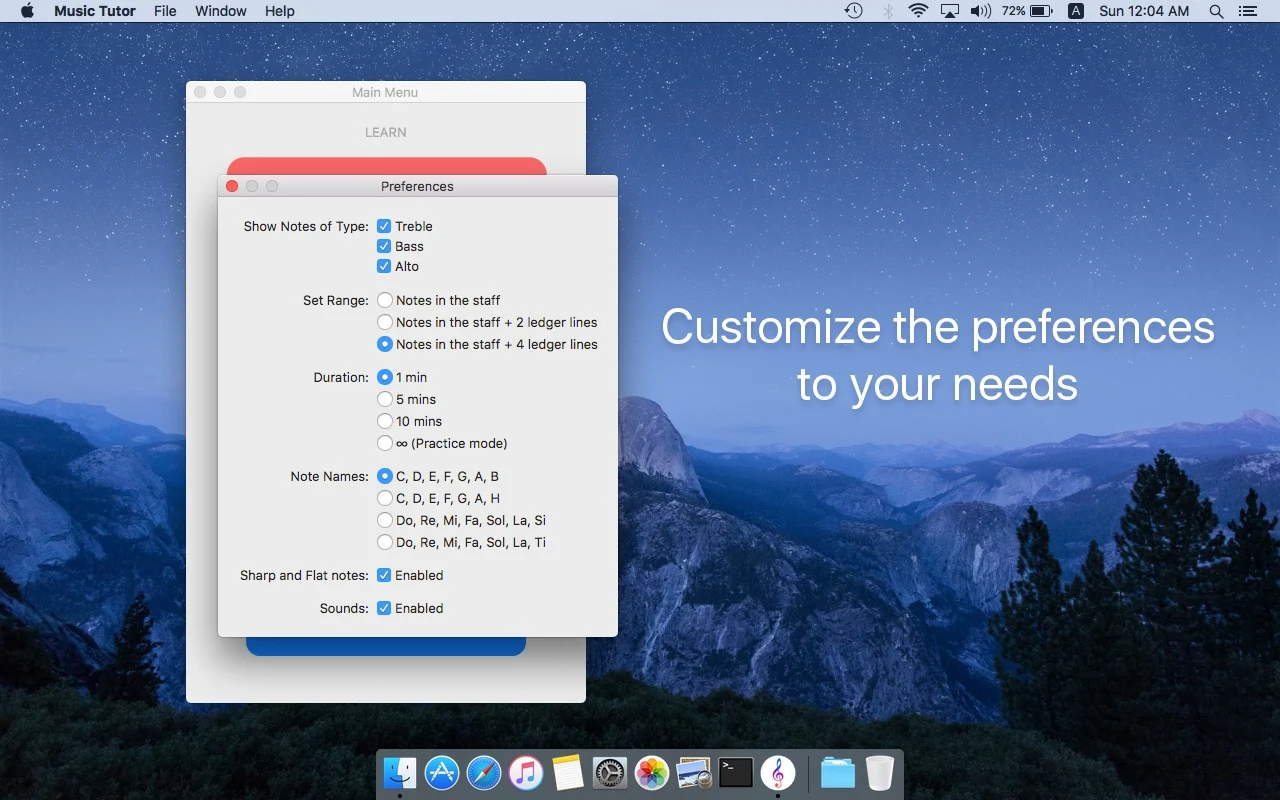
Learn to read sheet music and improve your sight-reading skills with Music Tutor. Develop your speed and accuracy in reading sheet music by identifying music notes in timed sessions. Choose to practice with notes in treble, bass and alto clefs in timed or untimed sessions. After each test, you can review your mistakes and see your progress. Other features of Music Tutor include: • Custom Practice Range - Set your own range of notes that you want to practice with. • Supports notes up to 4 ledger lines above or below the staff on any of the clefs. • Notes Reference Charts - For Treble, Bass and Alto clefs. • MIDI Support - Connect your keyboard or digital piano and respond directly from your instrument. This mode requires you to respond in the correct octave.
What’s new
Optimised for Apple Silicon.
Apple Watch
Music Tutor (Sight-reading)
- App Store
- Free
- Version 3.25.1
Requires watchOS 4.0 or later.
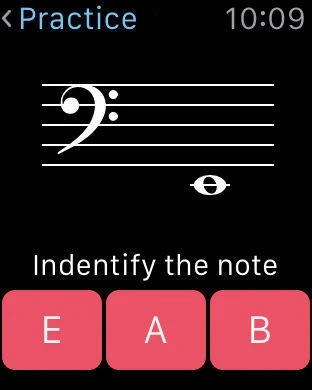
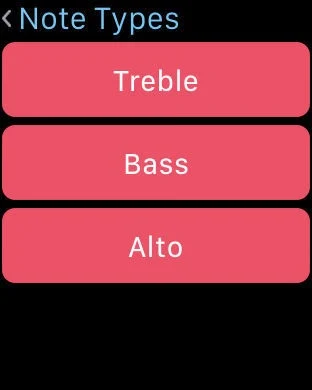
Improve your sight-reading
Read the store description
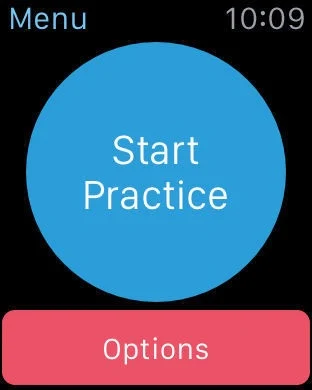
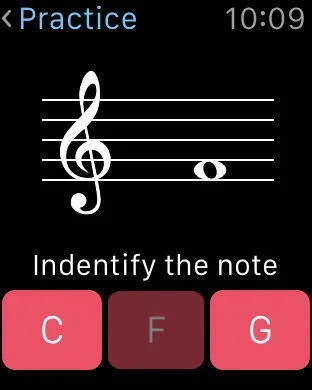
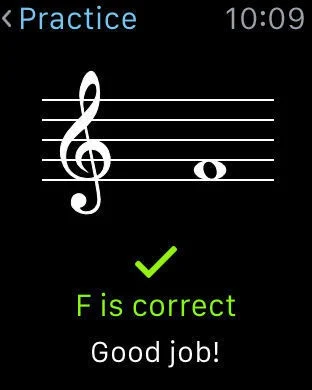
Note: This free version is supported by ads. To remove advertisements, use the in-app purchase to upgrade or buy the paid version, Music Tutor Plus from the App Store. Learn to read sheet music and improve your sight-reading skills with Music Tutor. Develop your speed and accuracy in reading sheet music by identifying music notes in timed sessions. Choose to practice with notes in treble, bass and alto clefs in timed or untimed sessions. After each test, you can review your mistakes and see your progress. Other features of Music Tutor include: • Custom Practice Range - Set your own range of notes that you want to practice with. • Supports notes up to 4 ledger lines above or below the staff on any of the clefs. • Notes Reference Charts - For Treble, Bass and Alto clefs. • MIDI Support - Connect your keyboard or digital piano using Lightning to USB Camera Adapter and respond directly from your instrument. • Companion Apple Watch app using which you can practice recognising music notes on the go. • Supports App Clips and Advanced App Clip Experiences - a way to quickly access and experience a practice session with Music Tutor without having to install the complete app. For Advanced App Clip Experiences, an App Clip invocation URL can be configured using the documentation available at https://musictutorapp.com/appclip.
What’s new
This app has been updated by Apple to prepare for watchOS 27 compatibility. No new features are included. Framework and security updates.
Apple Vision Pro
Music Tutor (Sight-reading)
- App Store
- Free
- Version 3.25.1
Requires visionOS 1.0 or later.
Available as a compatible Apple app. Visit the store listing for device details.
Improve your sight-reading
Read the store description
Note: This free version is supported by ads. To remove advertisements, use the in-app purchase to upgrade or buy the paid version, Music Tutor Plus from the App Store. Learn to read sheet music and improve your sight-reading skills with Music Tutor. Develop your speed and accuracy in reading sheet music by identifying music notes in timed sessions. Choose to practice with notes in treble, bass and alto clefs in timed or untimed sessions. After each test, you can review your mistakes and see your progress. Other features of Music Tutor include: • Custom Practice Range - Set your own range of notes that you want to practice with. • Supports notes up to 4 ledger lines above or below the staff on any of the clefs. • Notes Reference Charts - For Treble, Bass and Alto clefs. • MIDI Support - Connect your keyboard or digital piano using Lightning to USB Camera Adapter and respond directly from your instrument. • Companion Apple Watch app using which you can practice recognising music notes on the go. • Supports App Clips and Advanced App Clip Experiences - a way to quickly access and experience a practice session with Music Tutor without having to install the complete app. For Advanced App Clip Experiences, an App Clip invocation URL can be configured using the documentation available at https://musictutorapp.com/appclip.
What’s new
This app has been updated by Apple to prepare for watchOS 27 compatibility. No new features are included. Framework and security updates.

Android
Music Tutor
- Google Play
- Free
- Version 2.32.6
Android 7.0 and later
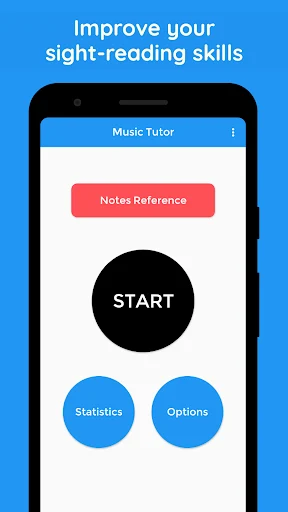
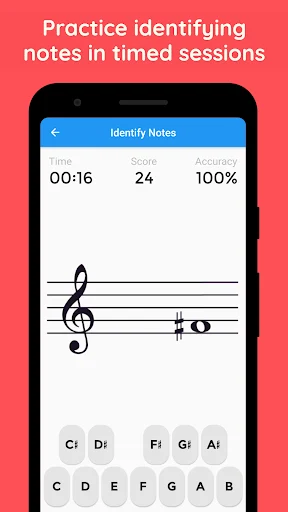
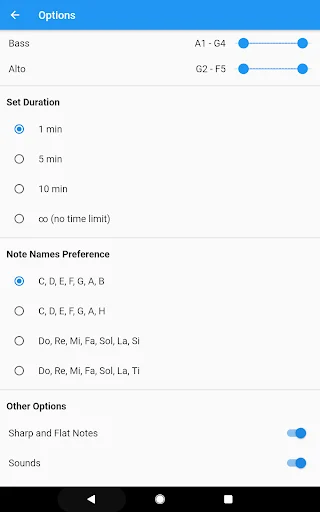
Practice sight reading in treble, bass and alto clefs with sessions and review
Read the store description
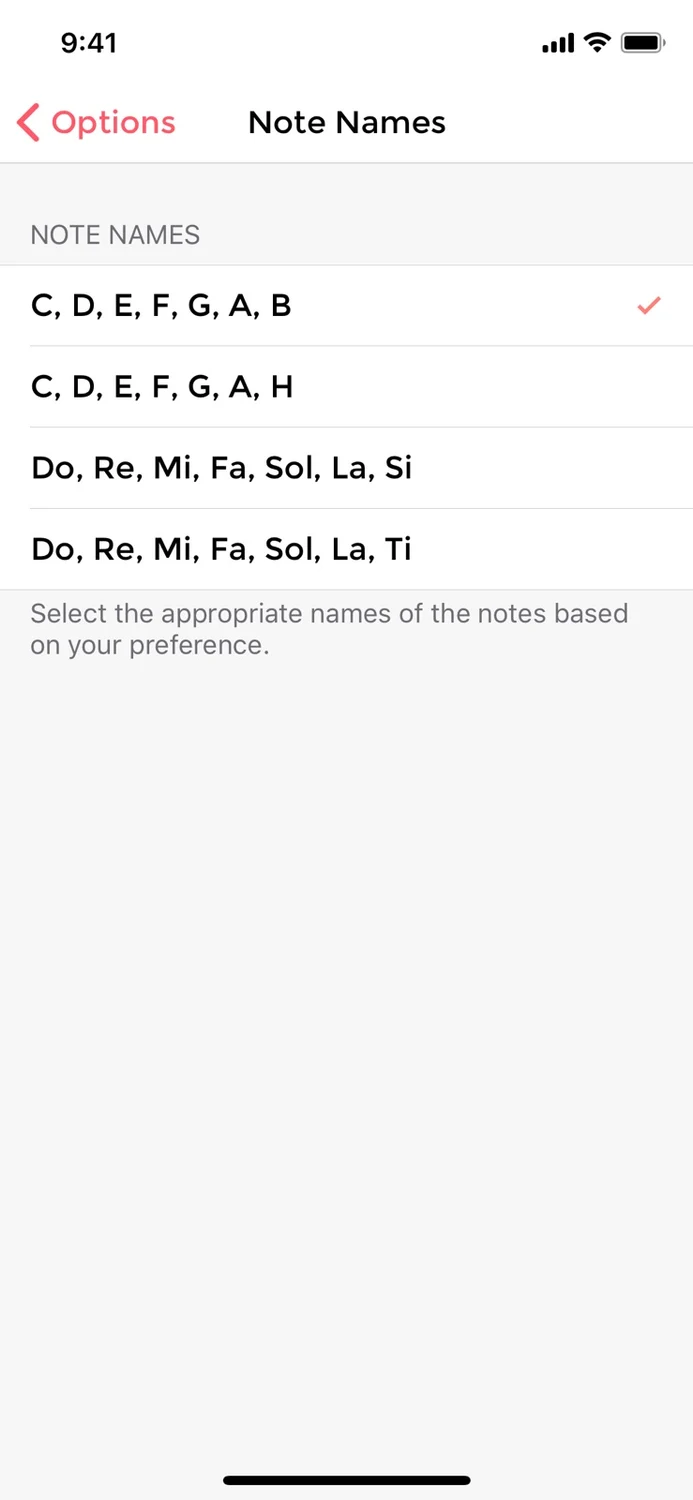
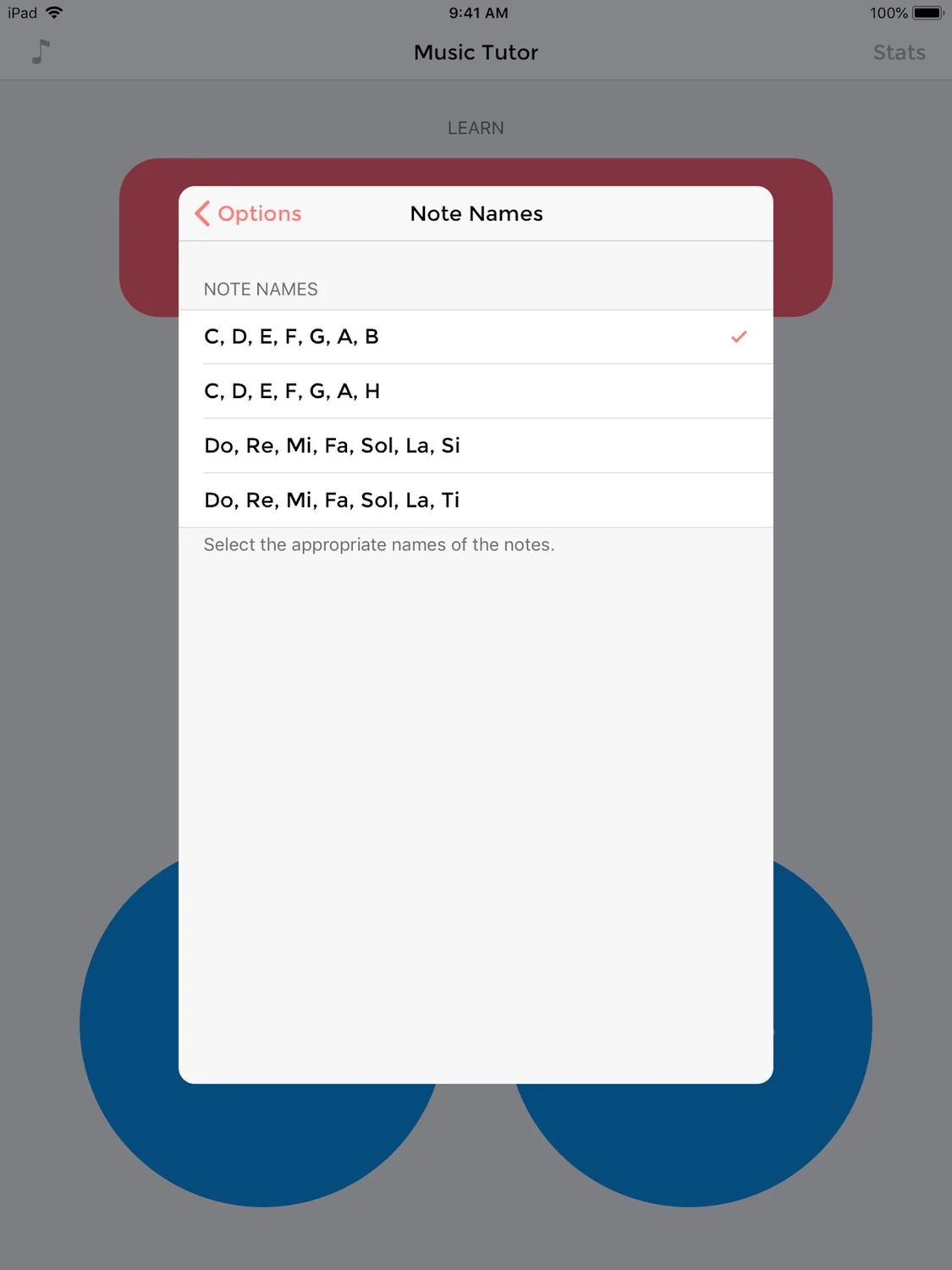
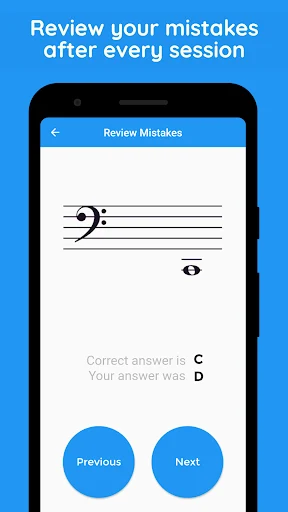
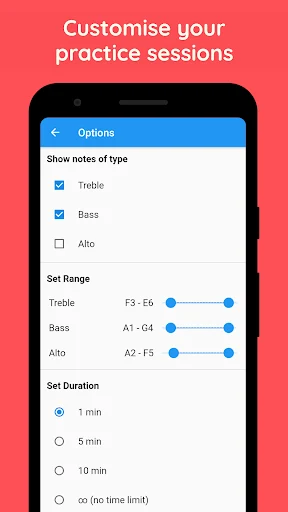
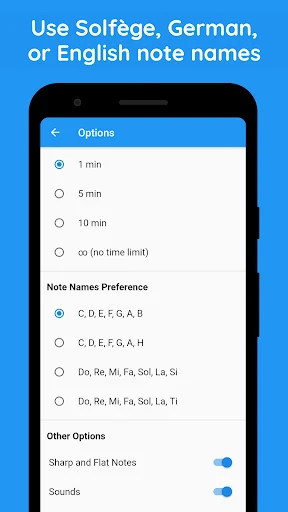
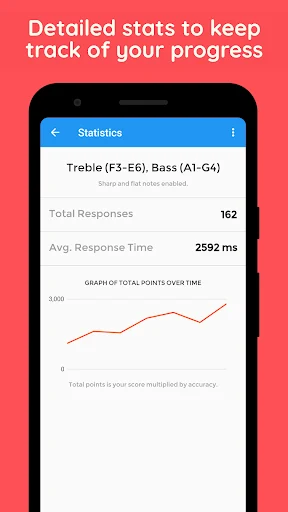
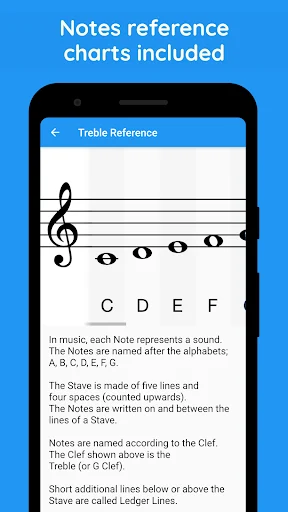
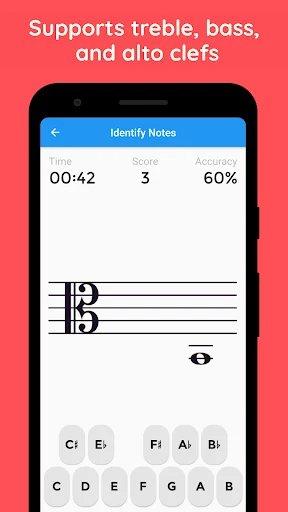
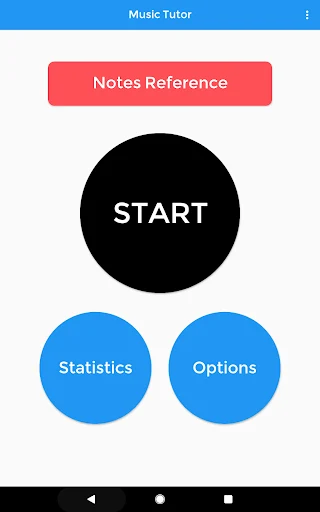
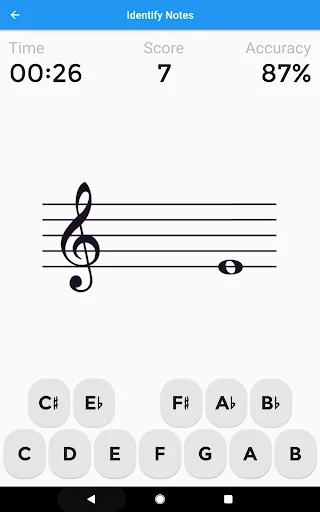
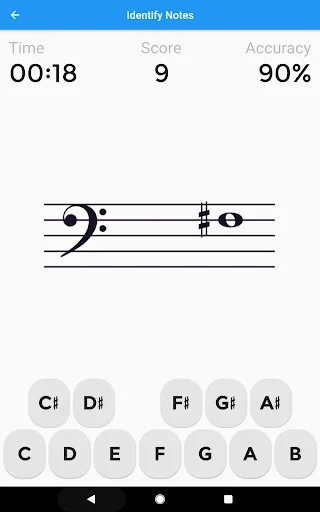
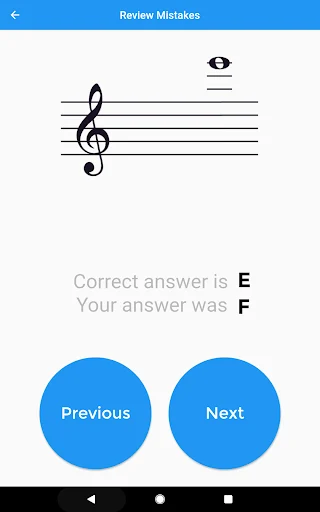
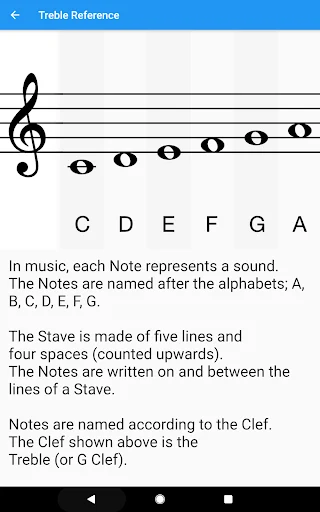
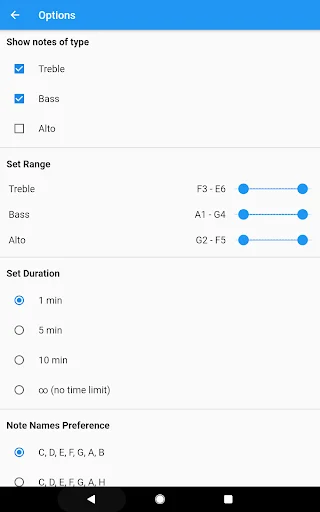
Practice reading music notes with Music Tutor. Work on treble, bass and alto clefs, choose a note range and identify the notes shown on the staff. Timed sessions, an unlimited practice option, statistics and mistake review help you organize a focused sight-reading routine at your own pace. Connect a staff position with a note A note's position on the staff and the clef together tell you which note it represents. Music Tutor gives you practice recognizing those written notes. Use it alongside instrumental lessons or your own music study when you want to spend a few minutes concentrating on note identification. Choose the clefs you want to practice The Android app supports treble, bass and alto clefs. Select the material that matches the notation you are learning. A learner working with treble-clef music may begin there, while someone studying lower parts or an alto-clef instrument can focus on a different staff. Choose the staff that matches the part you are learning, and keep that selection consistent while you study its notation. Set a useful note range Adjust the note range within each clef's supported bounds. A narrower selection can help you concentrate on a small area of the staff before broadening the exercise. Choose whether to include sharps and flats, and match the material to the notes you are currently studying rather than adding every possible option at once. Fit a session into your day Choose a 1-minute, 5-minute or 10-minute session, or use unlimited practice when you prefer to continue without a timed session length. A short session can be convenient between other activities, while a longer one gives you time to work through more examples. Session length is a practice choice, not a promise of progress in a particular number of minutes. Review what you found difficult Consult your statistics and review mistakes after practicing. Look for material you want to revisit, then use the available clef and range settings to focus the next session. Mistake review is useful for connecting an answer with the staff position you saw instead of only moving on to another question. Choose familiar note names The note-name modes include English C-D-E-F-G-A-B, German C-D-E-F-G-A-H, and Do-Re-Mi names with either Si or Ti. Choose the naming convention used in your lessons or practice material. These settings change note labels; they do not establish an additional interface language or a separate singing course. Use the reference material Consult the note-reference charts when you want to review the relationship between staff positions and note names. You can look at a reference before starting an exercise, then return to practice. The charts support learning the notation used in the app rather than replacing the reading of an entire score. Ways to organize your practice - Begin with one clef and a manageable note range - Identify notes at a pace you can follow - Review the answers that caused difficulty - Include sharps and flats when appropriate for your study - Try another supported clef when you want to broaden the task - Keep the note-name convention consistent with your lessons - Compare your own sessions using the available statistics The app's focus is recognizing written music notes. Use it as one part of a wider musical routine that may also involve rhythm, instrumental technique and listening. Recognizing a note on a staff is useful practice, but the app does not promise to teach every part of reading or performing a complete piece. A possible starting routine Choose a clef, set a small note range and complete a short session. Review mistakes and consult the reference chart where helpful. Repeat the material or widen the range when you decide it is appropriate. This describes a way to use the existing controls, not an automatically scheduled course or a guaranteed learning result. The app interface is in English. Music Tutor includes ads and offers an in-app purchase to remove them.

Meta Quest
Music Tutor
- Meta Horizon Store
- $2.99
Quest 2, Quest Pro, Quest 3, Quest 3S
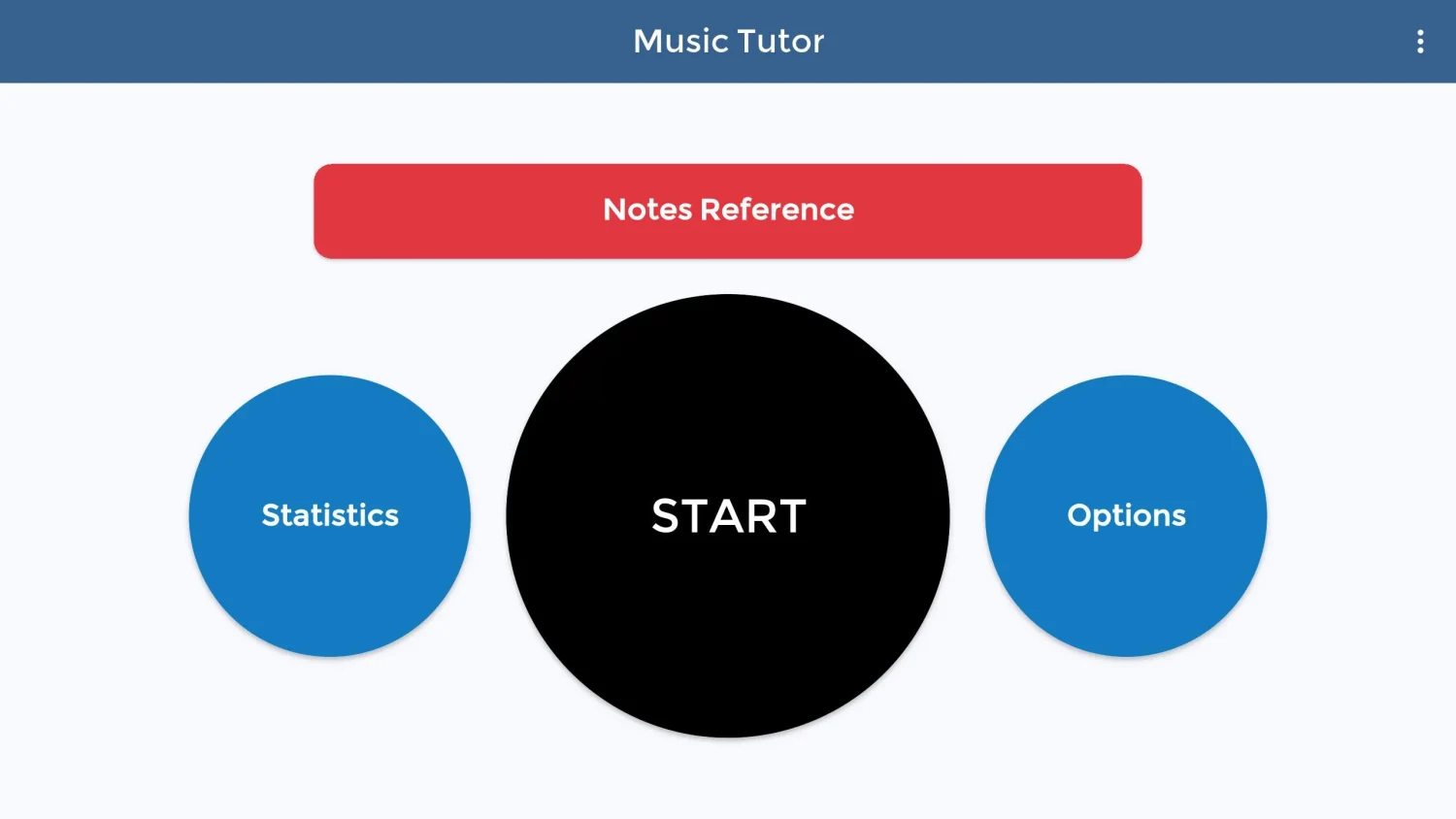
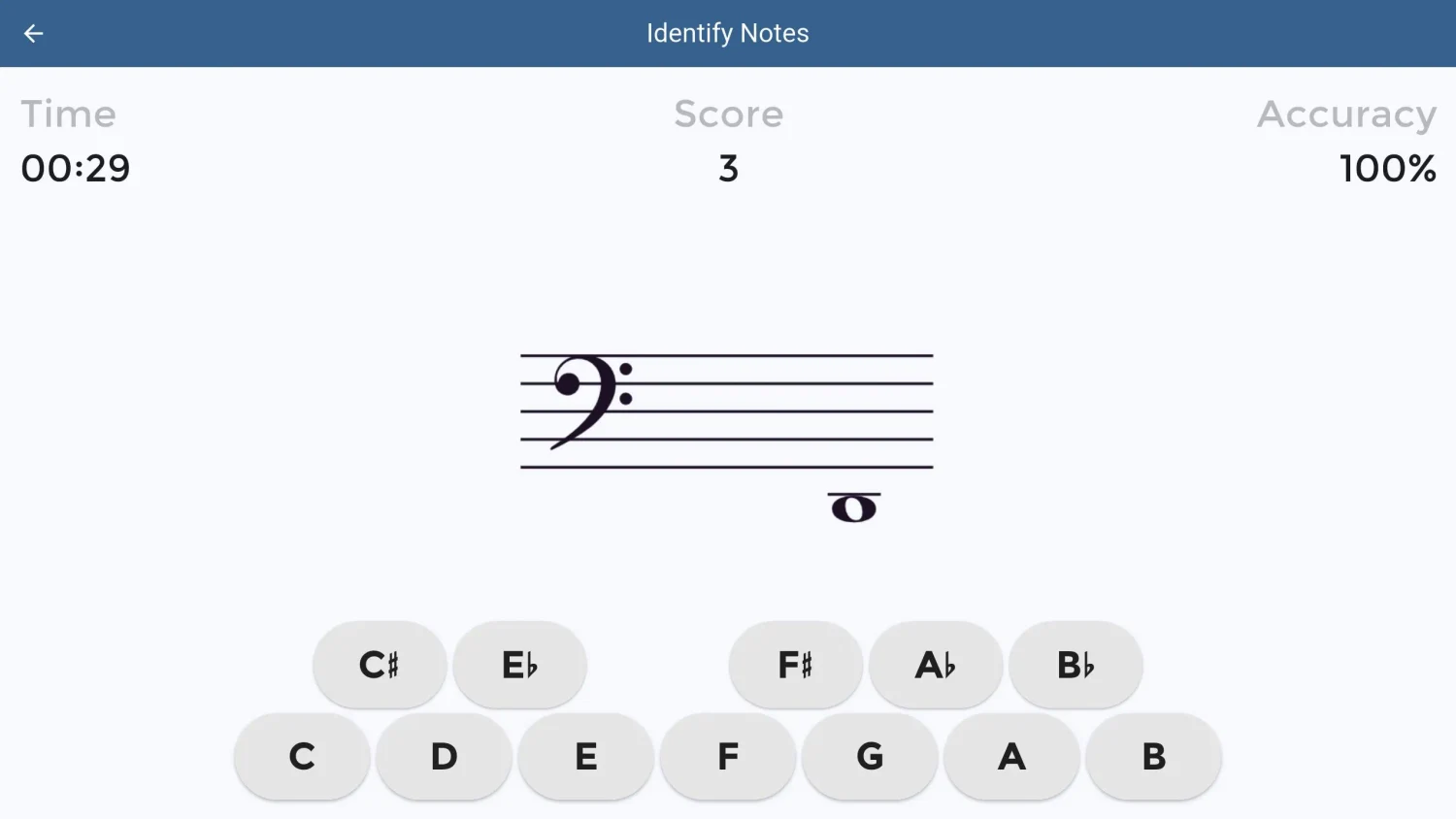
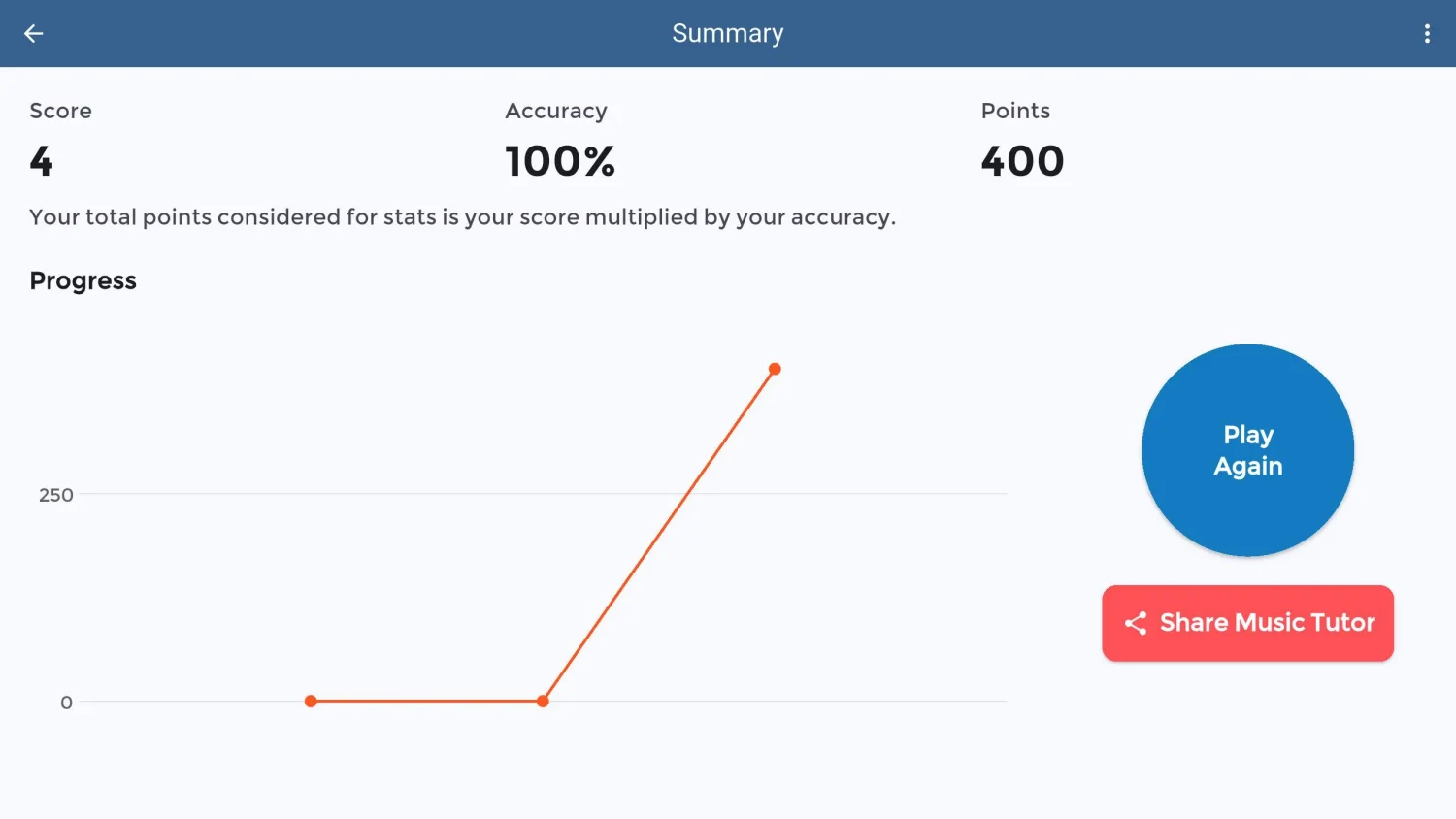
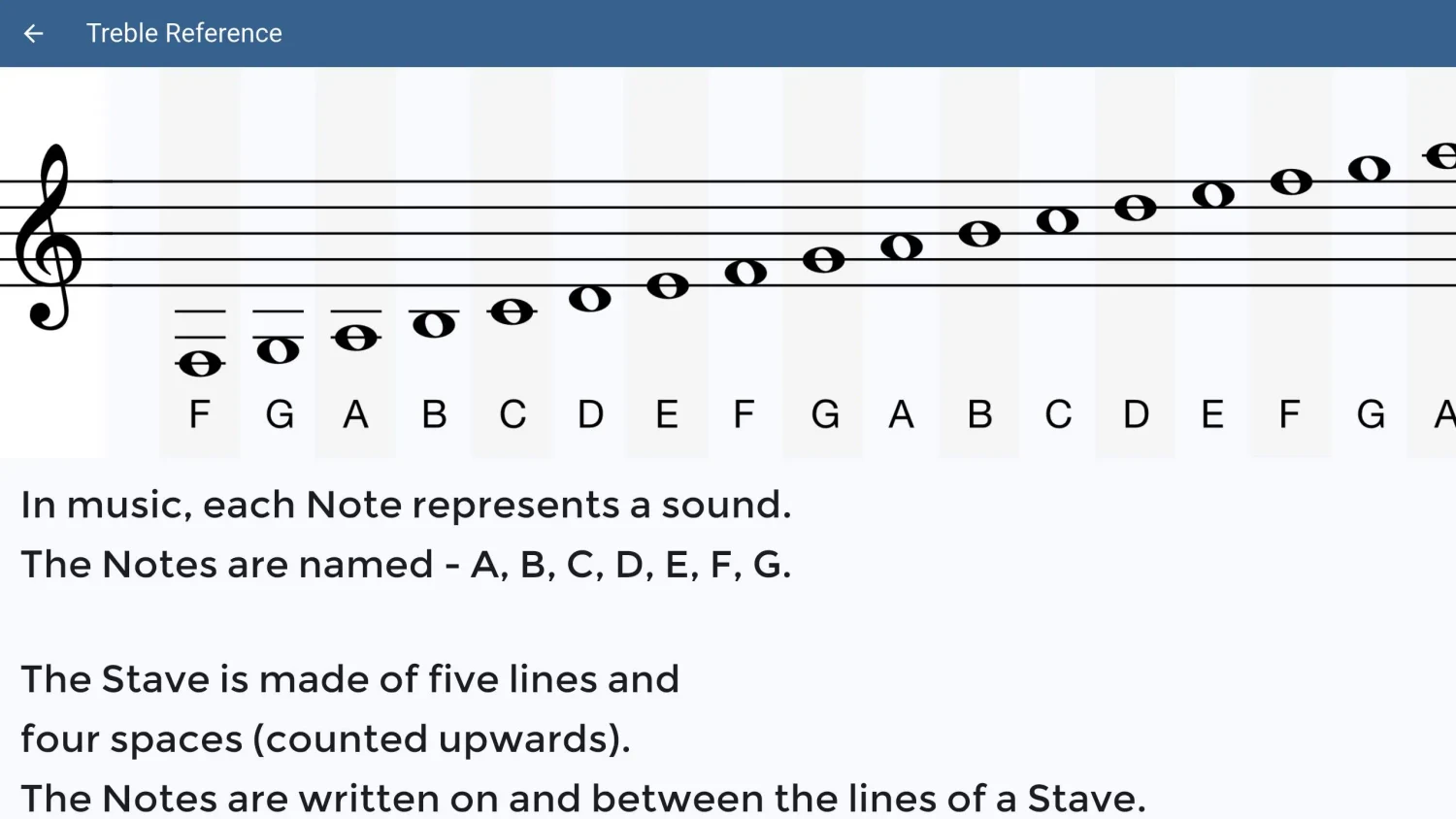
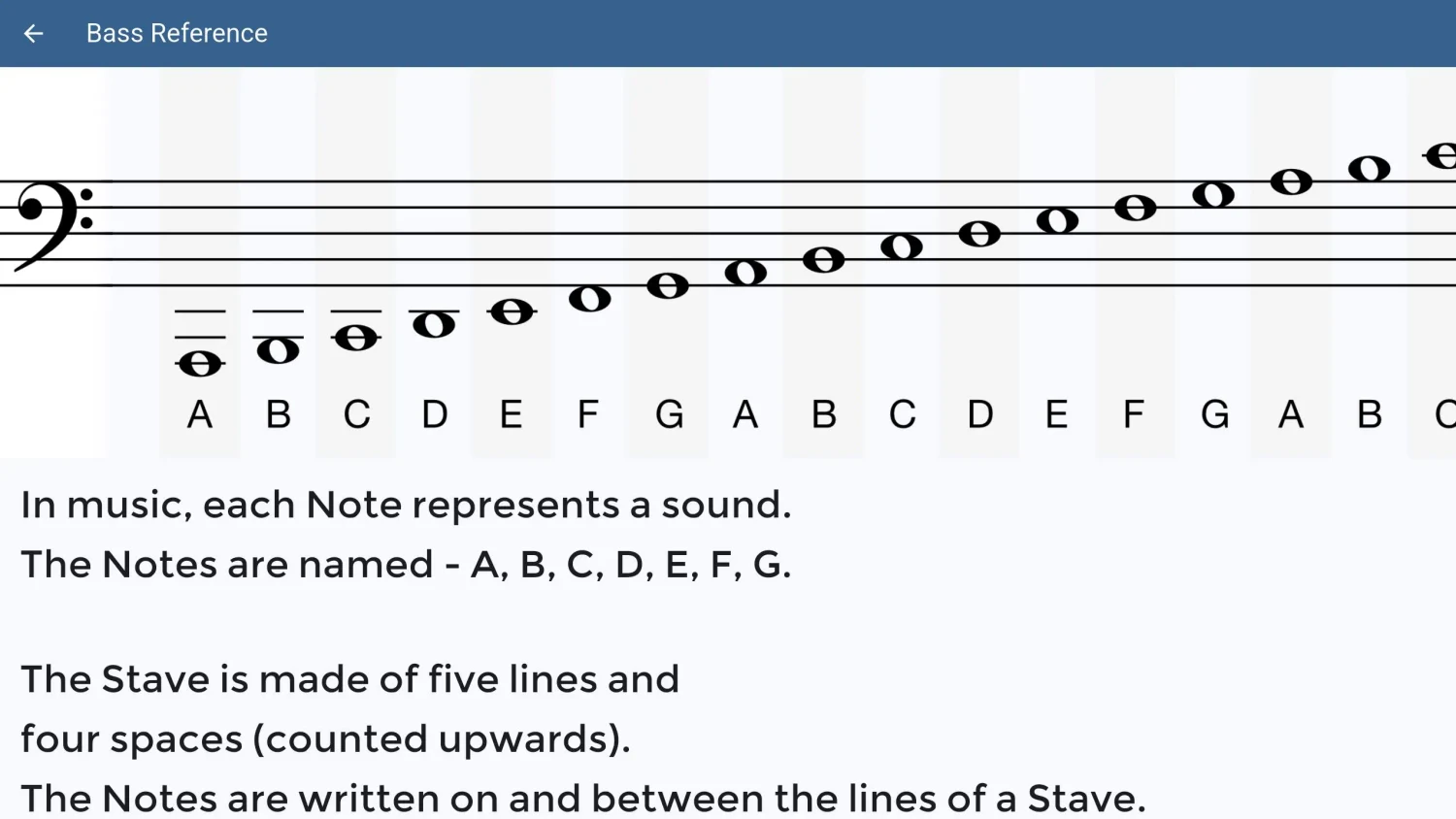
Build music-reading skills with note identification, references and practice results.